EMAIL DESIGN
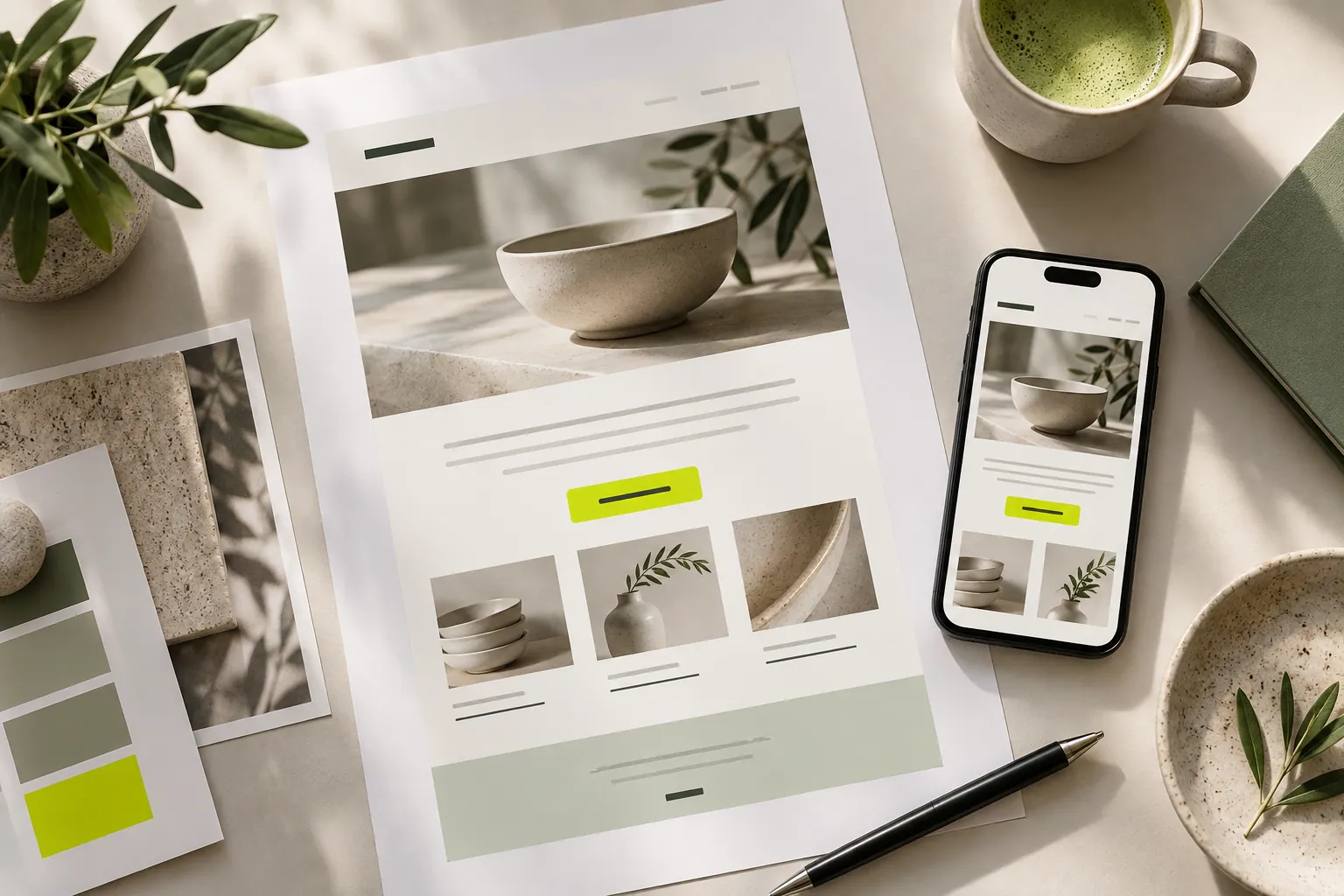
The basics of good email design
A readable message, on-brand imagery and a clear next step. Practical tips for preparing your first email.
Read the guideBLOG & GUIDES
From your first email to your contact list, find ideas to help tell your brand’s story.
START WITH YOUR NEED
Step-by-step guides to emails, forms, personal pages and customer communication.
28 guides
EMAIL DESIGN
A readable message, on-brand imagery and a clear next step. Practical tips for preparing your first email.
Read the guide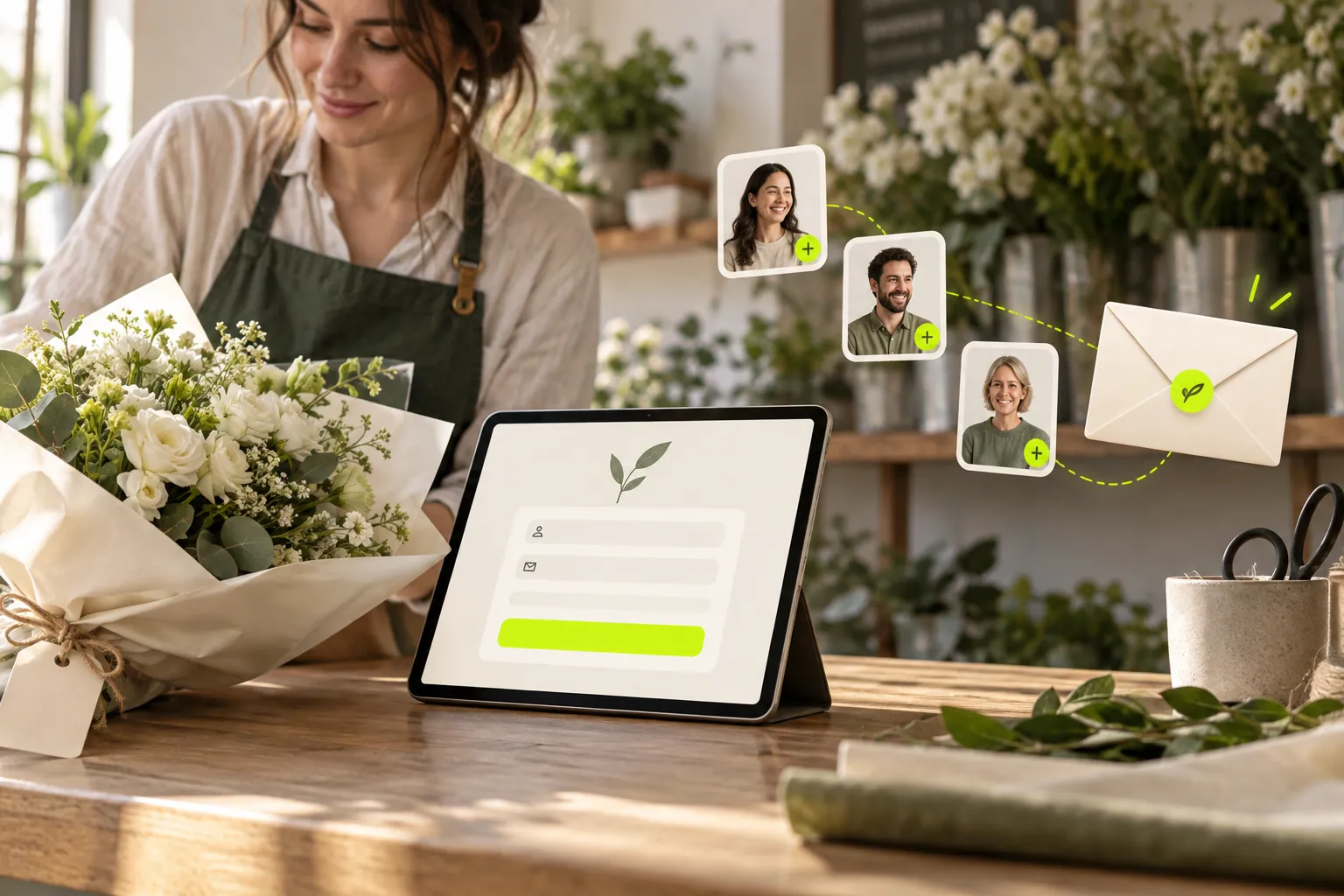
FORMS & AUDIENCE
Use contact forms and signup popups to make visitors a clear, useful invitation.
Read the guide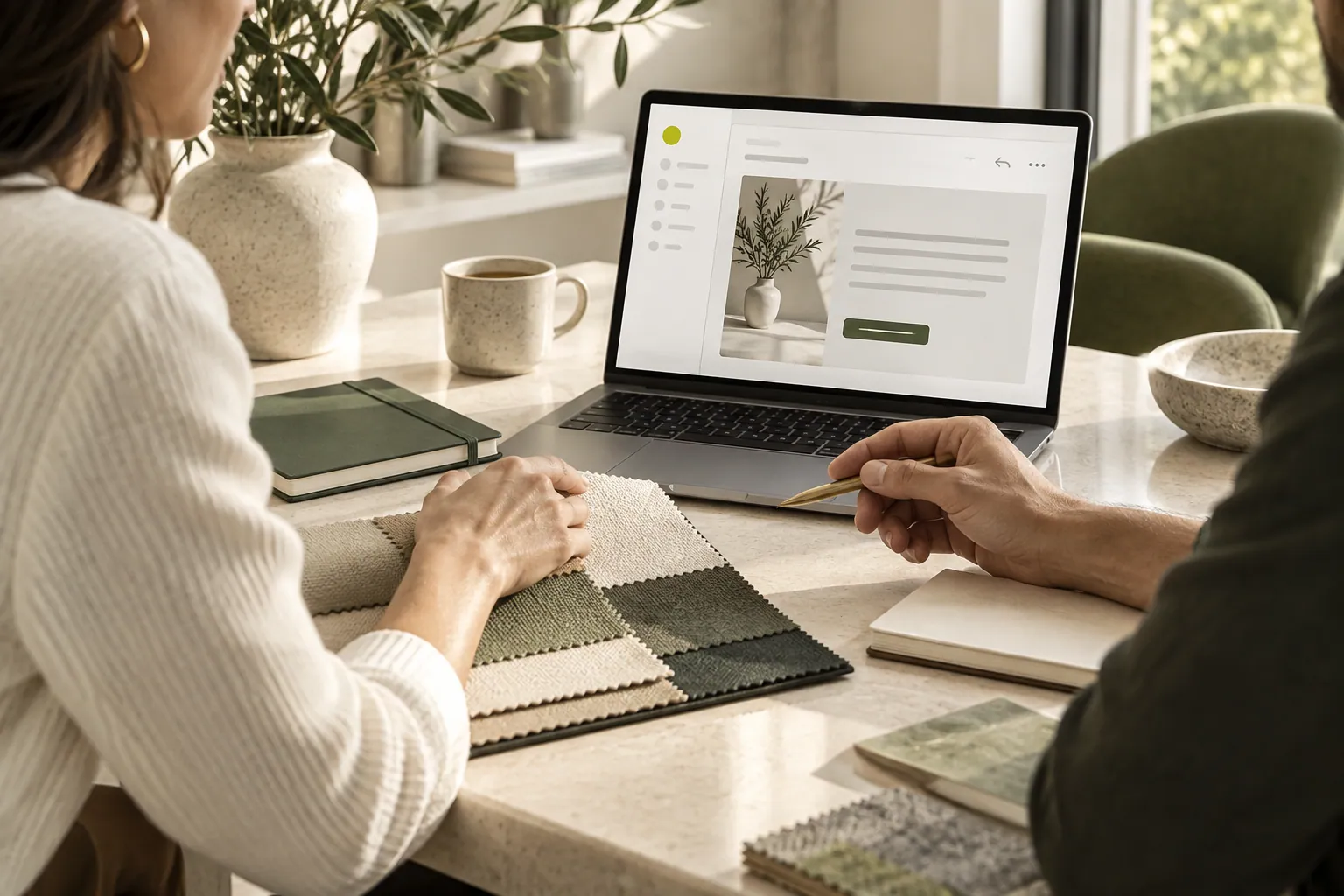
CUSTOMER COMMUNICATION
A practical approach to presenting services, sharing offers and staying in touch with business contacts.
Read the guide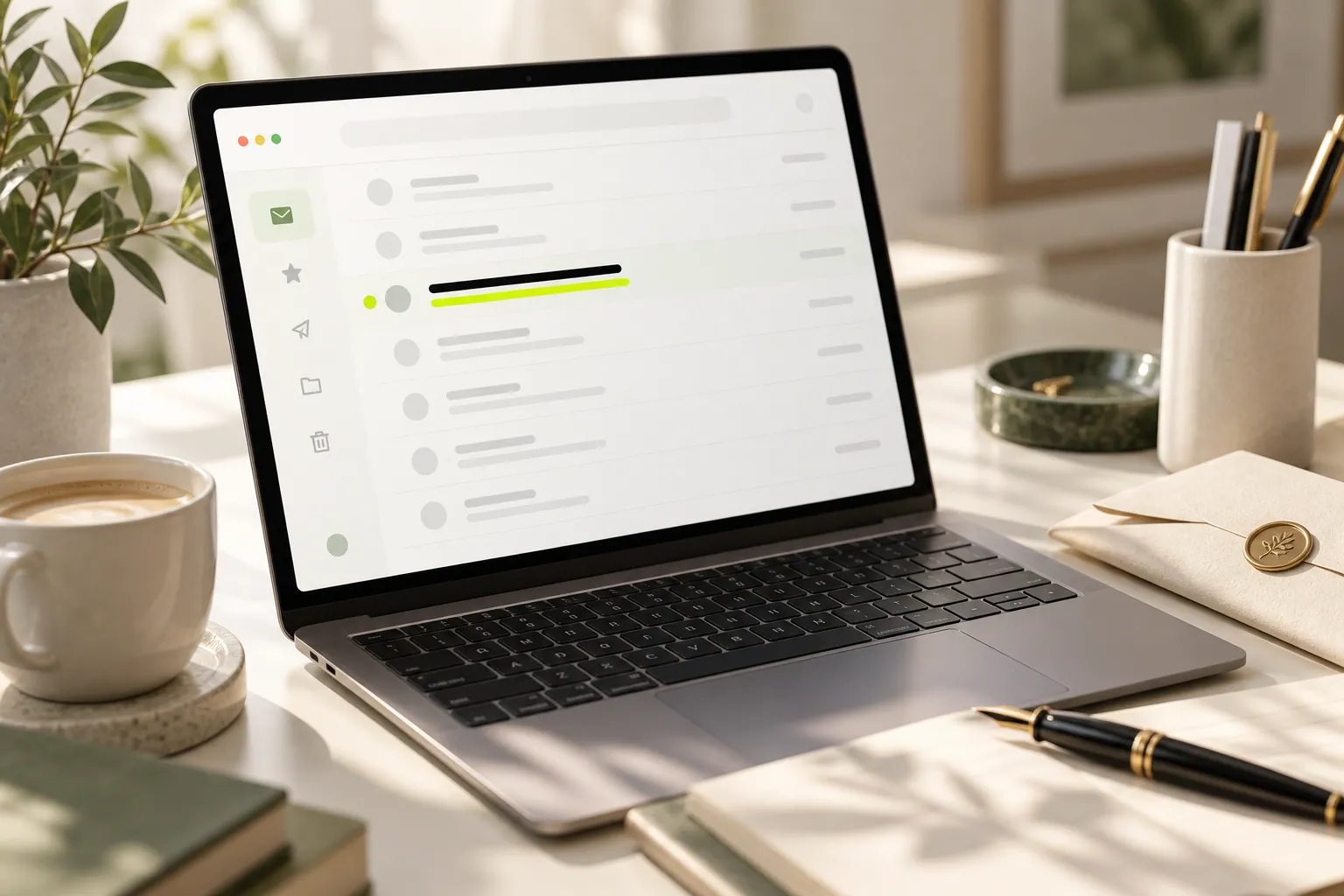
EMAIL DESIGN
Write specific subject lines for products, services and newsletters so readers know what to expect before opening your email.
Read the guide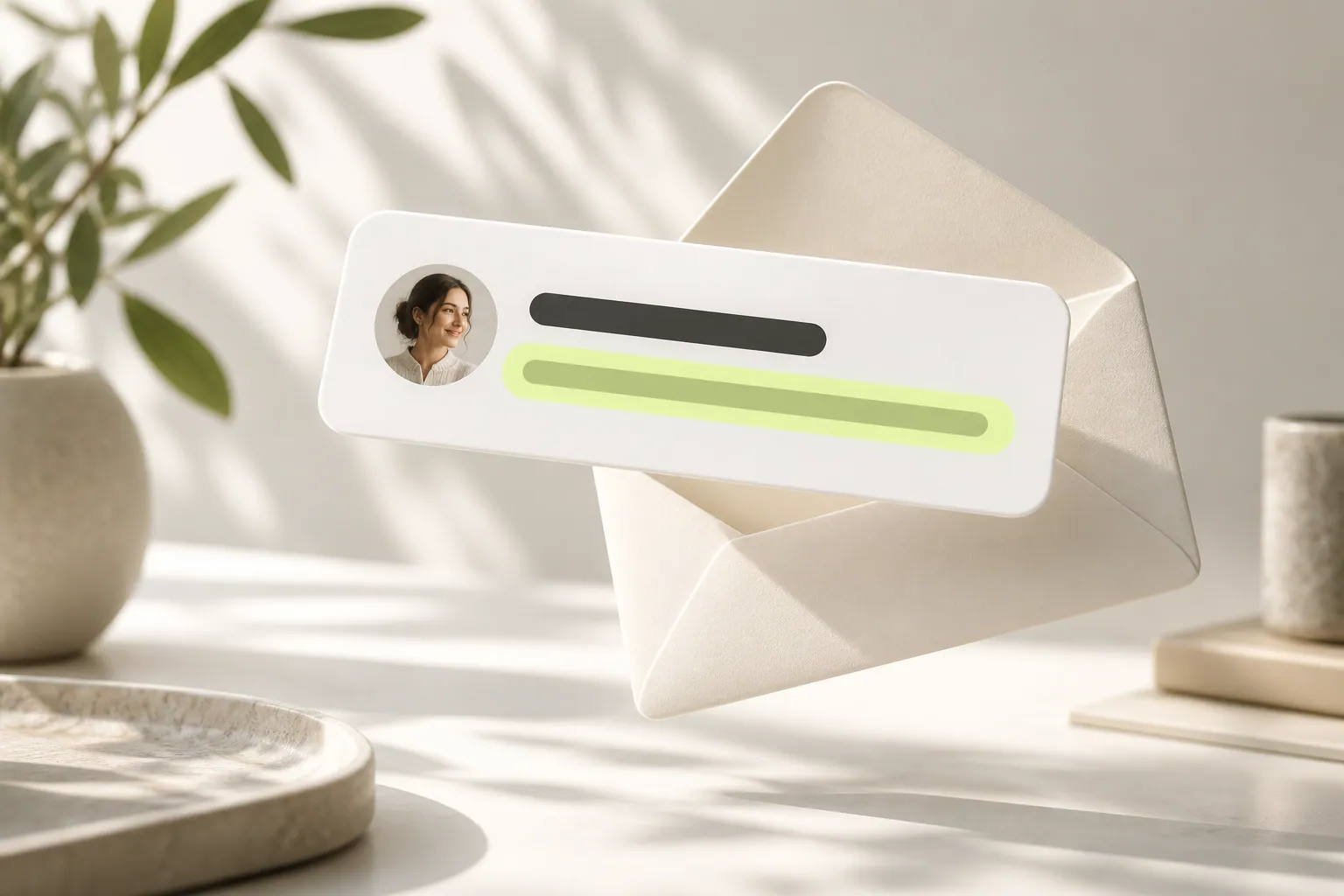
EMAIL DESIGN
Use the short inbox description to add useful information instead of repeating your subject. See examples for product and service emails.
Read the guide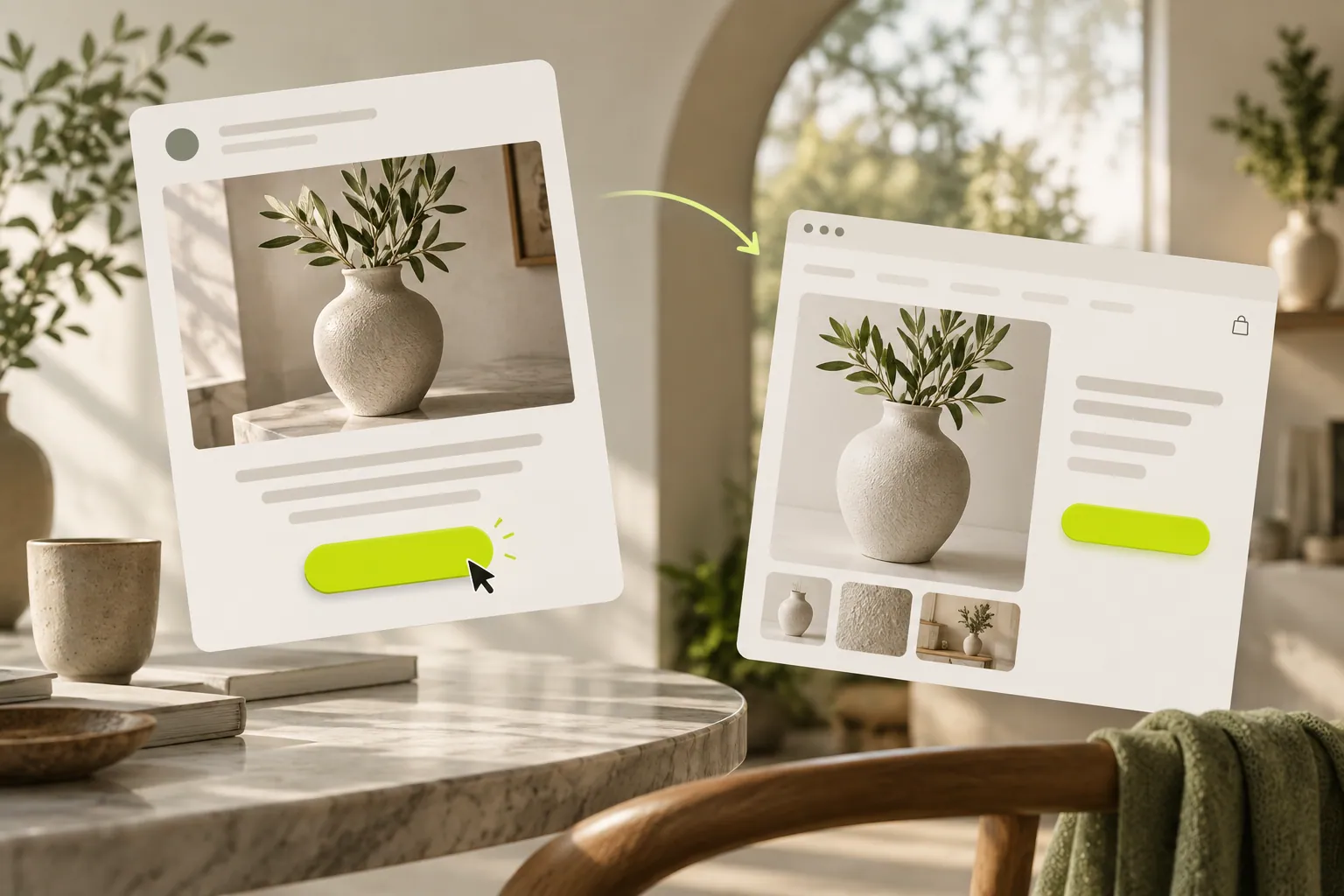
EMAIL DESIGN
Replace vague links with buttons that explain the next step. Plan the message, button and destination as one connected experience.
Read the guide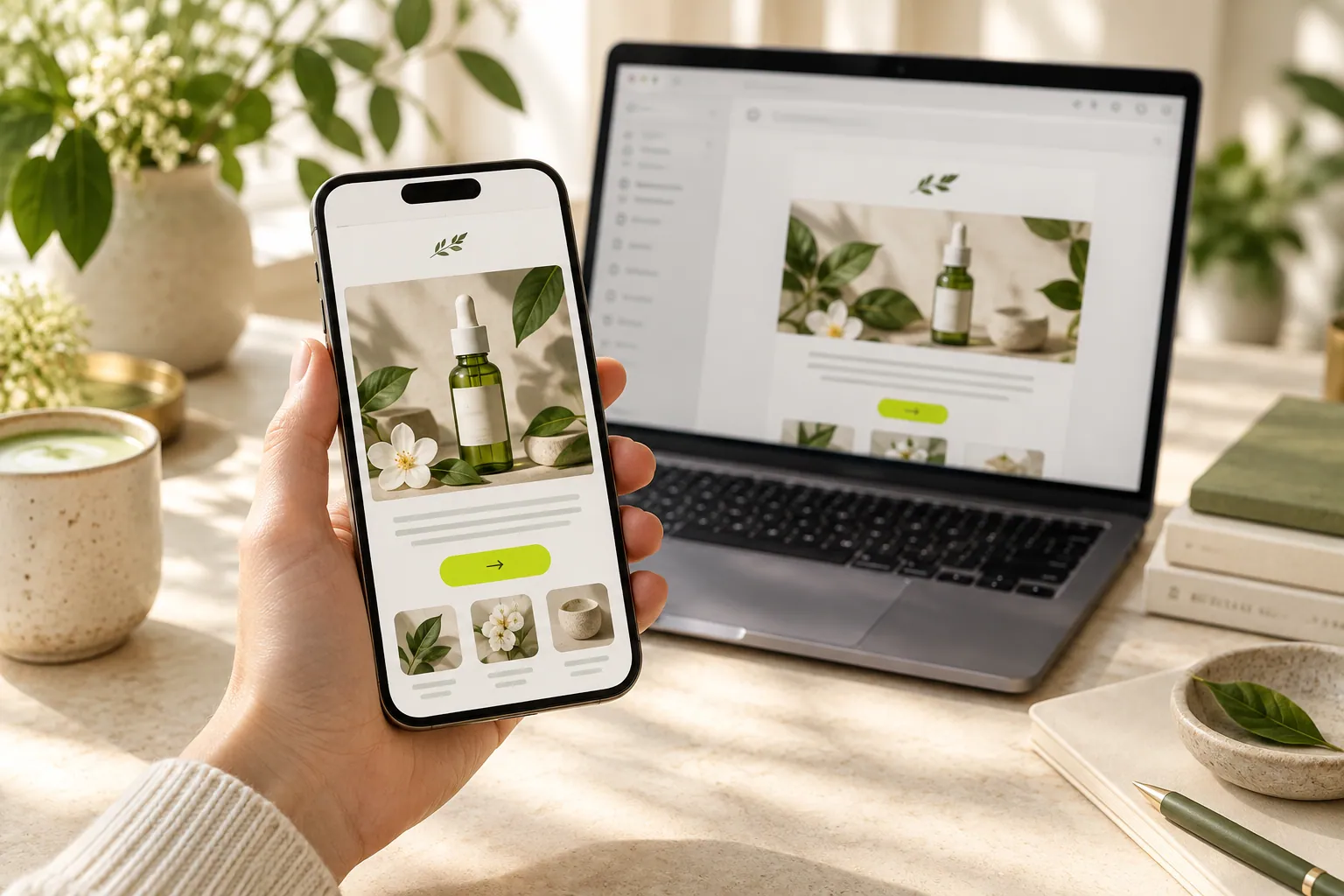
EMAIL DESIGN
Build a practical review sequence for headings, images, buttons and destinations on a phone screen.
Read the guide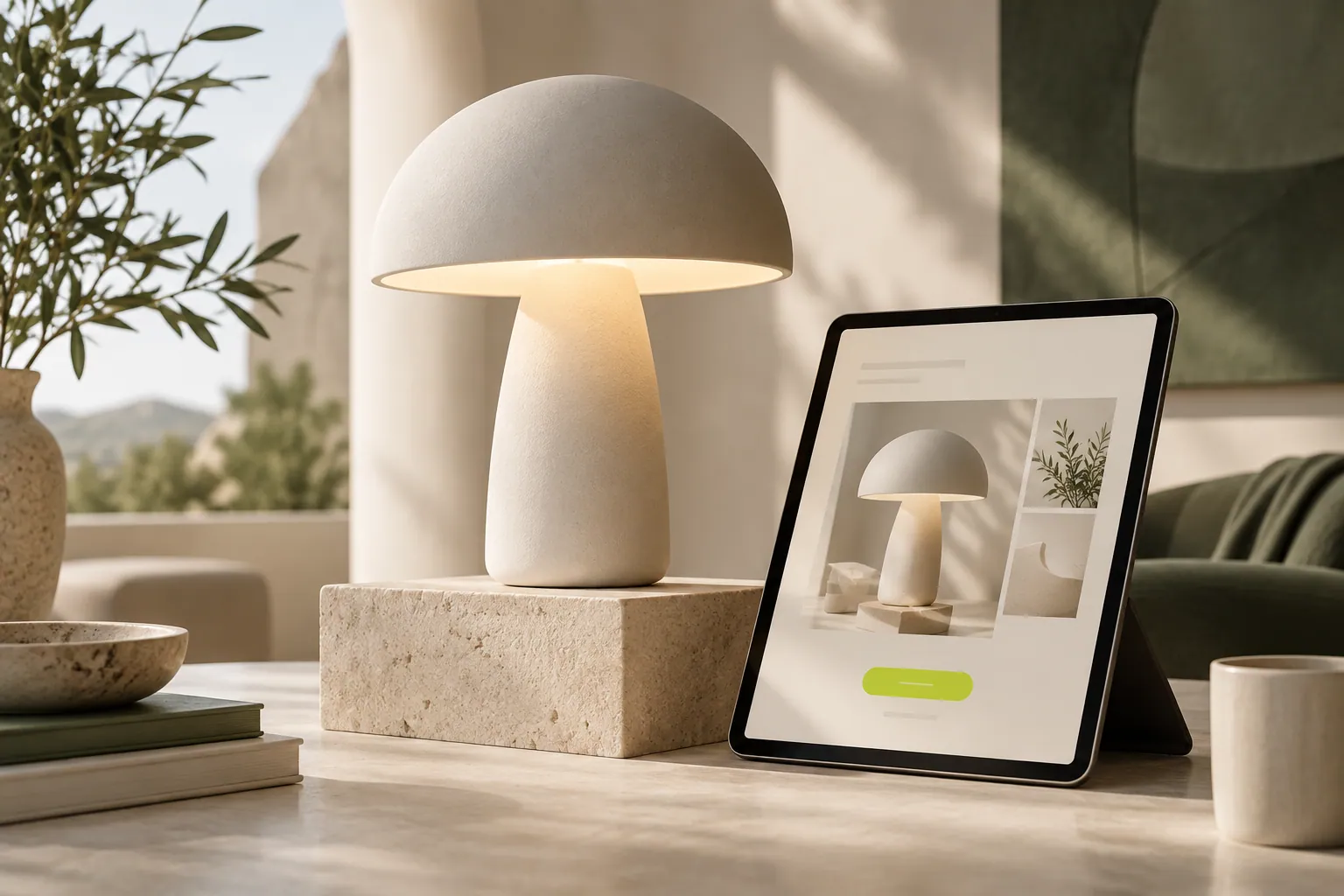
EMAIL DESIGN
Explain who a product is for, what it offers and where to explore it with a focused announcement email.
Read the guide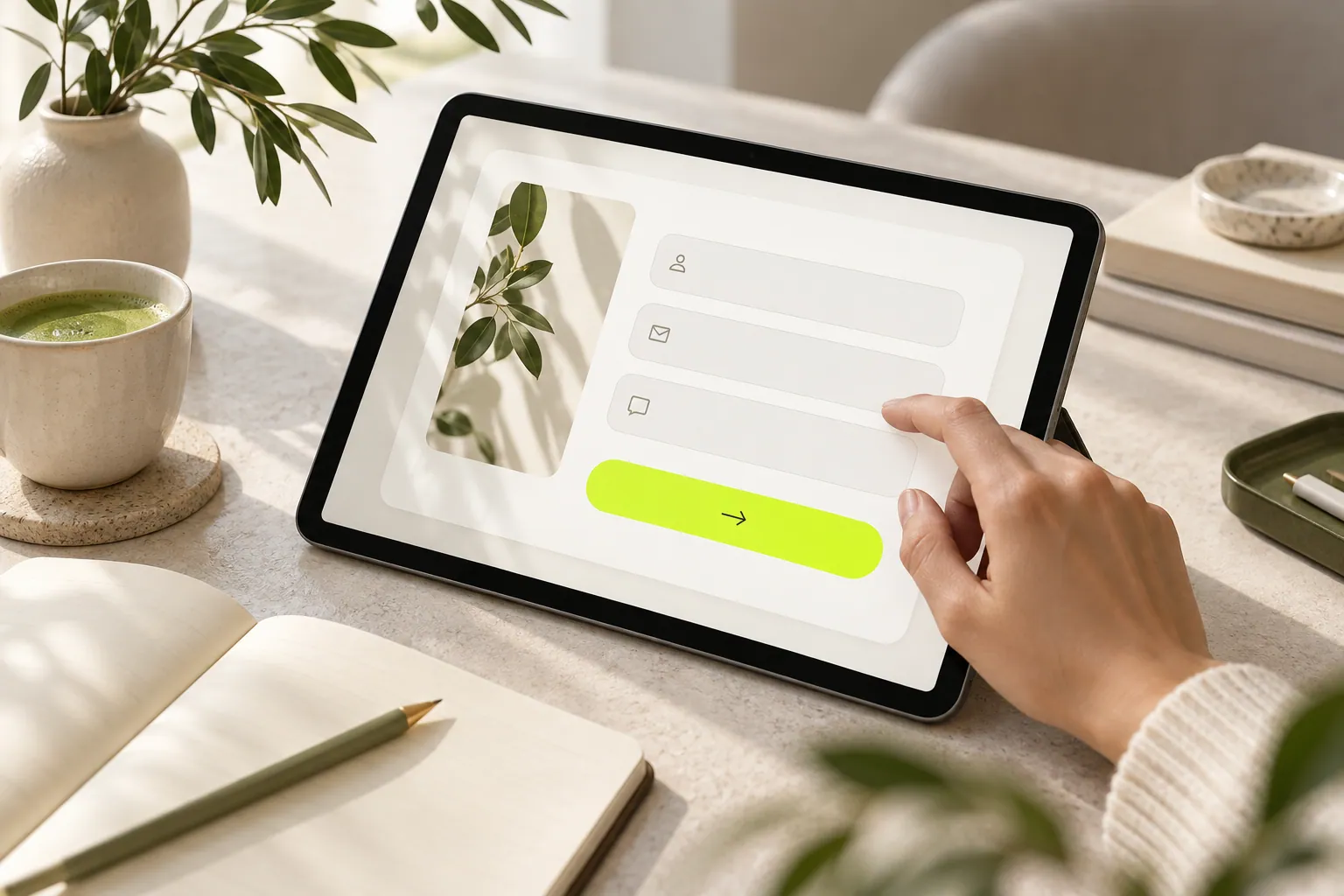
FORMS & AUDIENCE
Separate newsletter, quote and collaboration needs to build a form that collects useful information without unnecessary questions.
Read the guide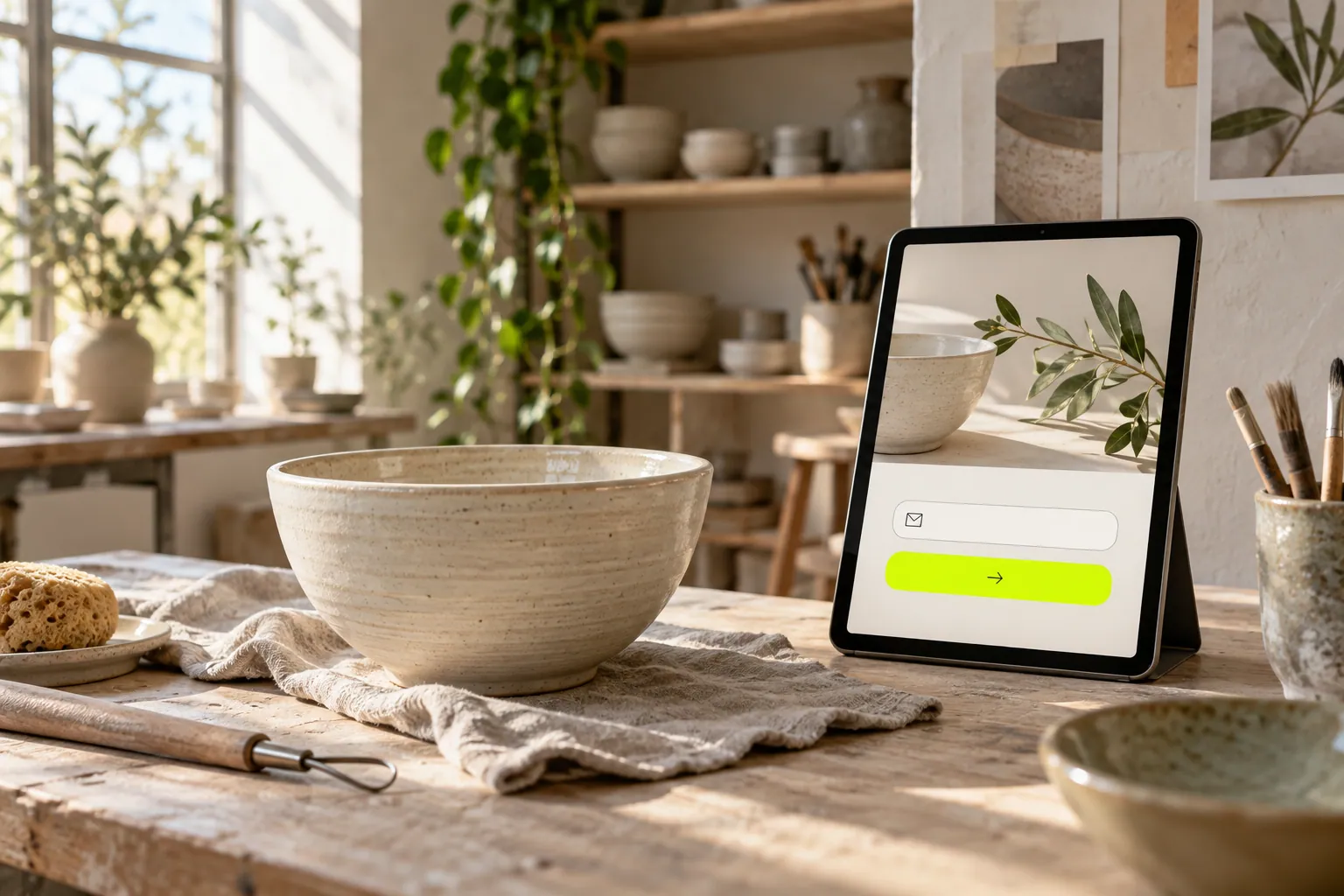
FORMS & AUDIENCE
Create a headline, explanation and button that tell visitors what they will receive and establish a realistic expectation.
Read the guide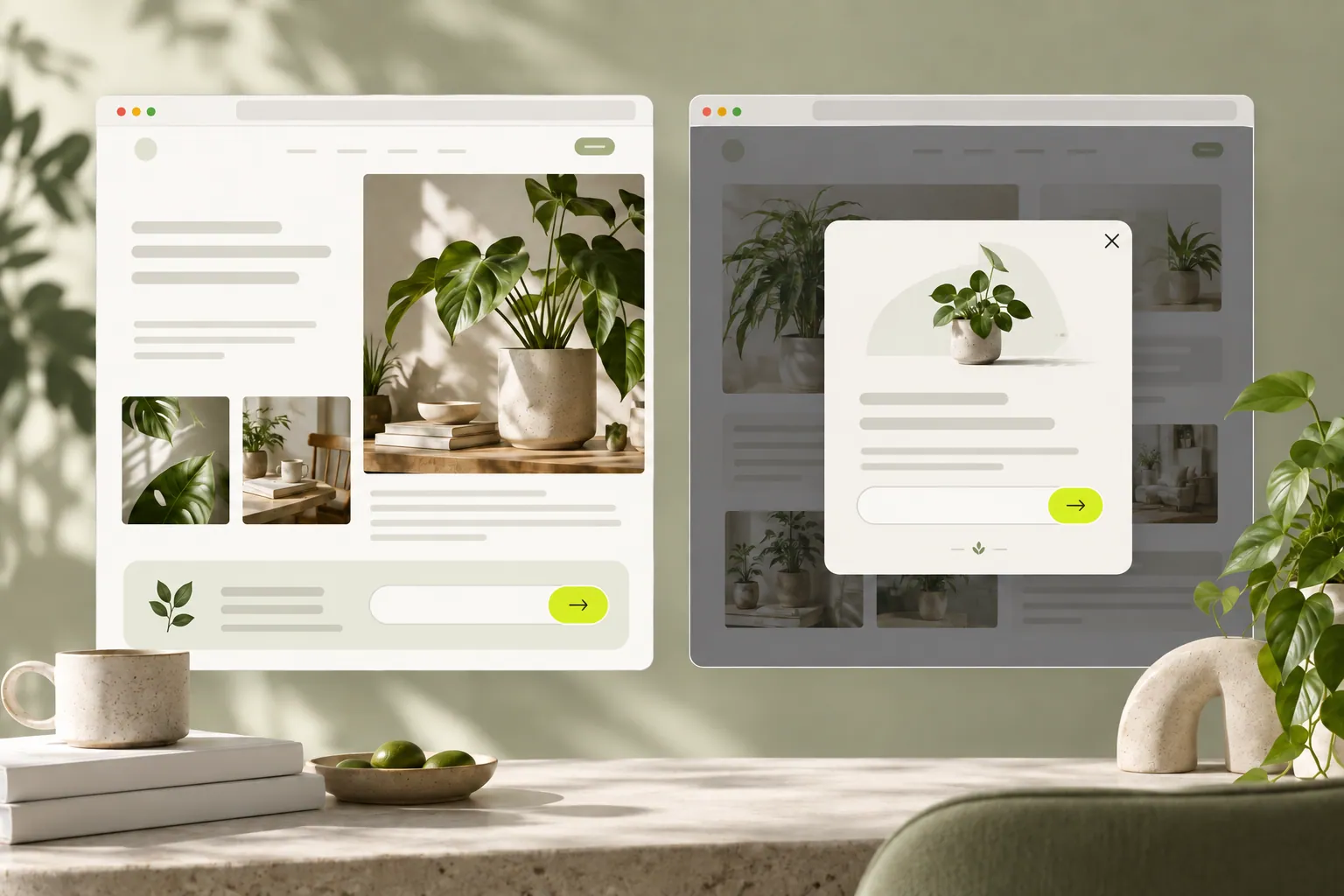
FORMS & AUDIENCE
Choose a signup popup or an inline form around the visitor’s purpose, and combine them without unnecessary repetition.
Read the guide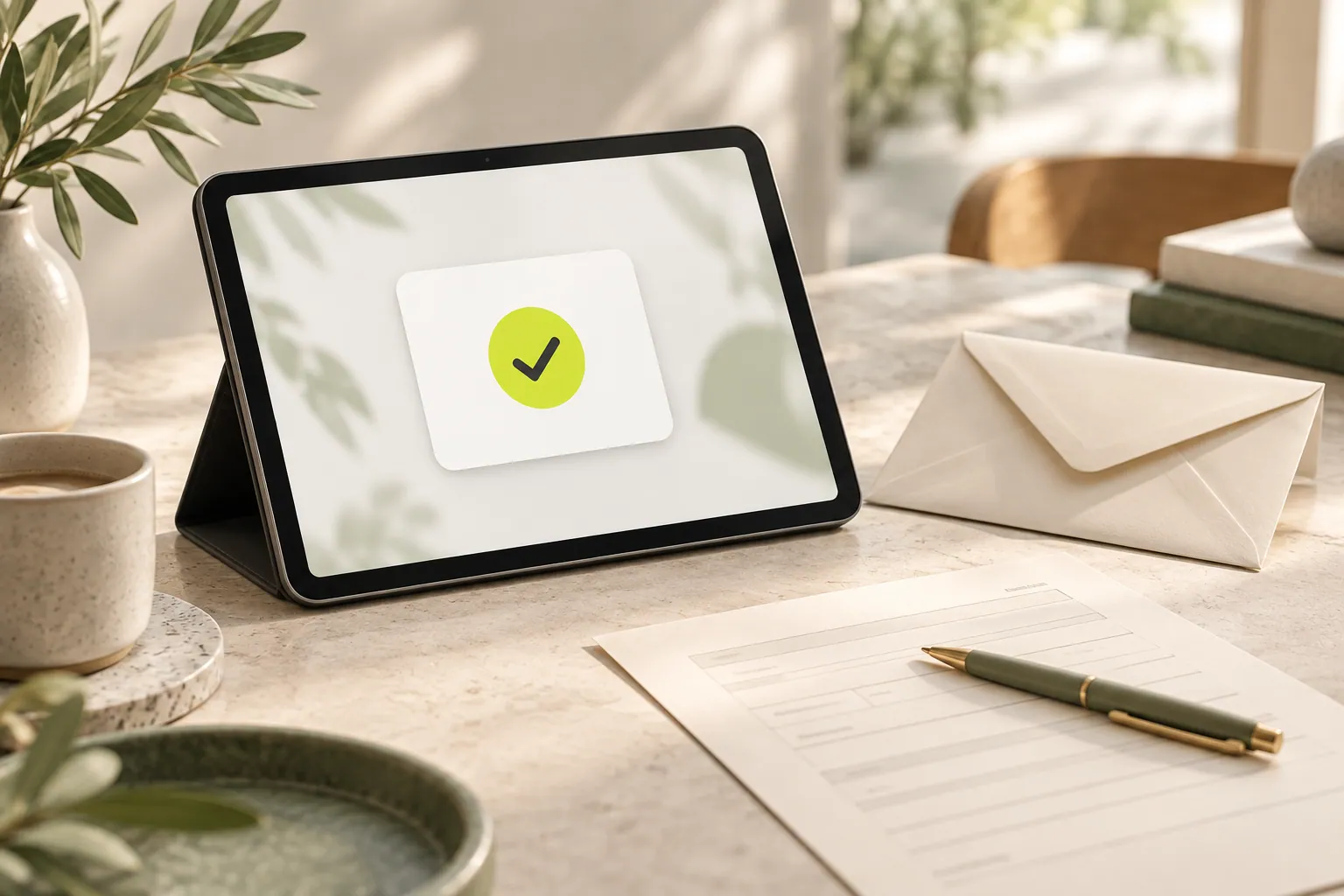
FORMS & AUDIENCE
Prepare useful confirmation copy for newsletters, quotes and collaboration enquiries so customers understand what happens next.
Read the guide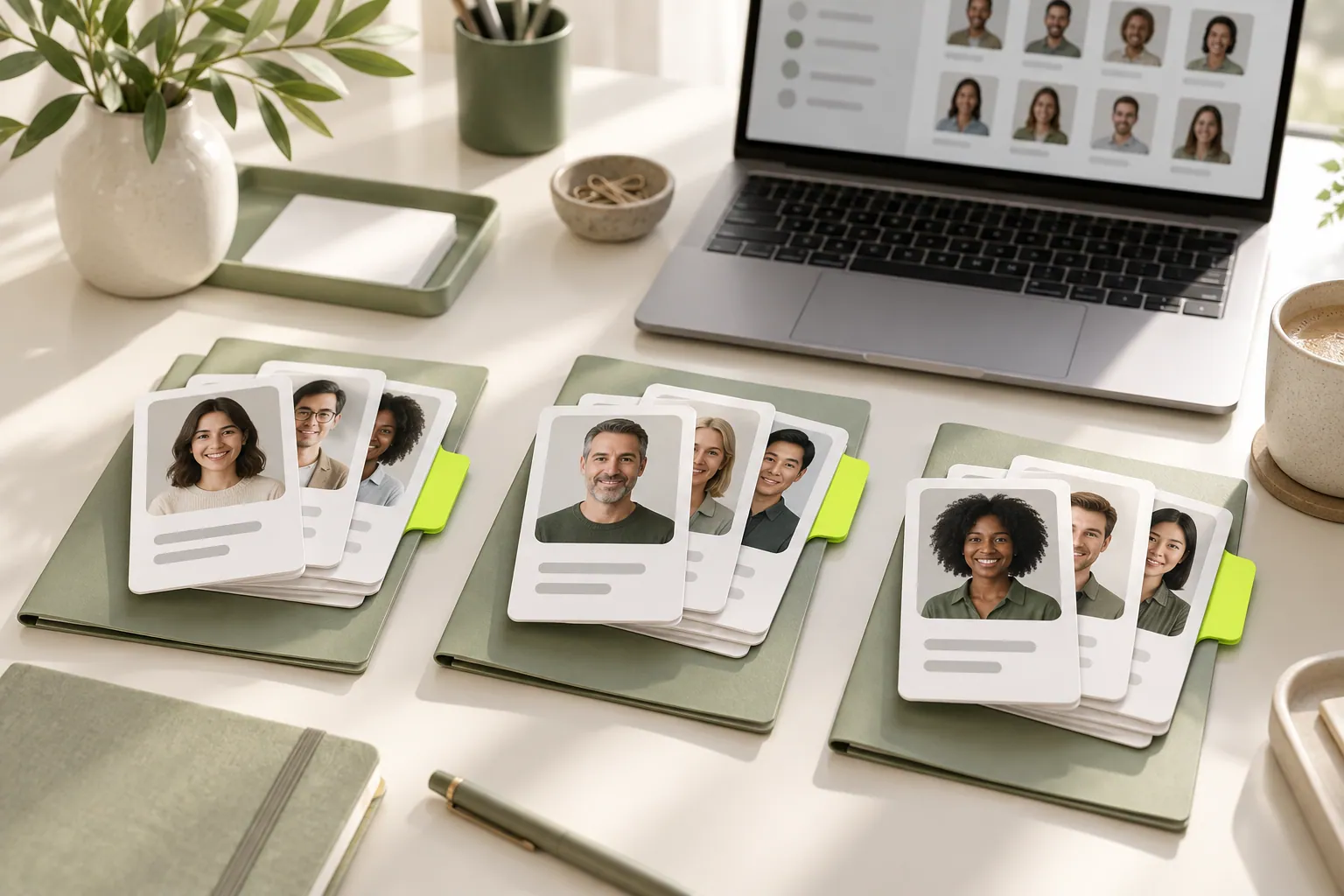
FORMS & AUDIENCE
Distinguish newsletter signups, quote requests and business contacts so it is easier to choose the right message for each person.
Read the guide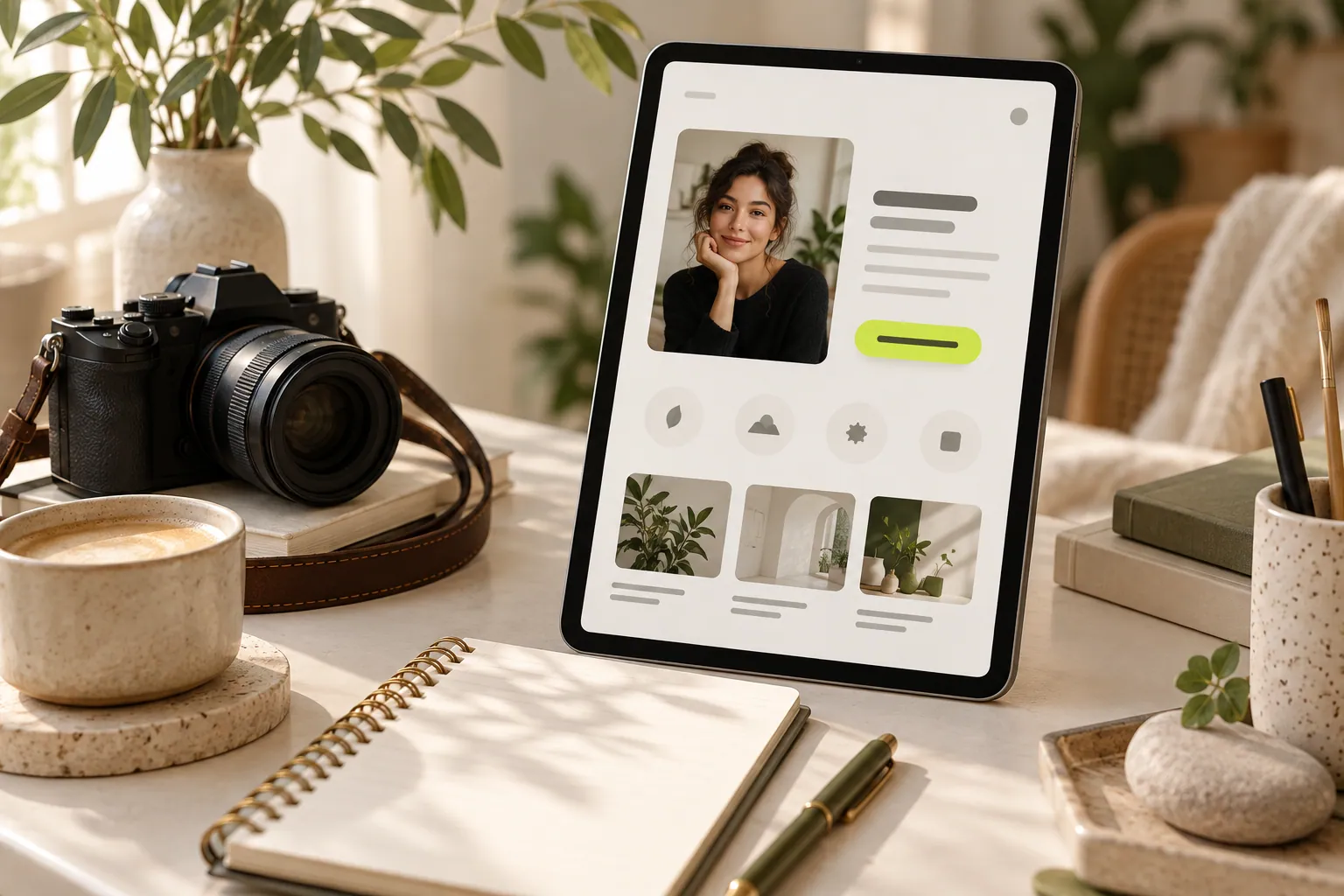
PERSONAL PAGES
Explain what you do, who you help and how to start a conversation in a focused profile introduction.
Read the guide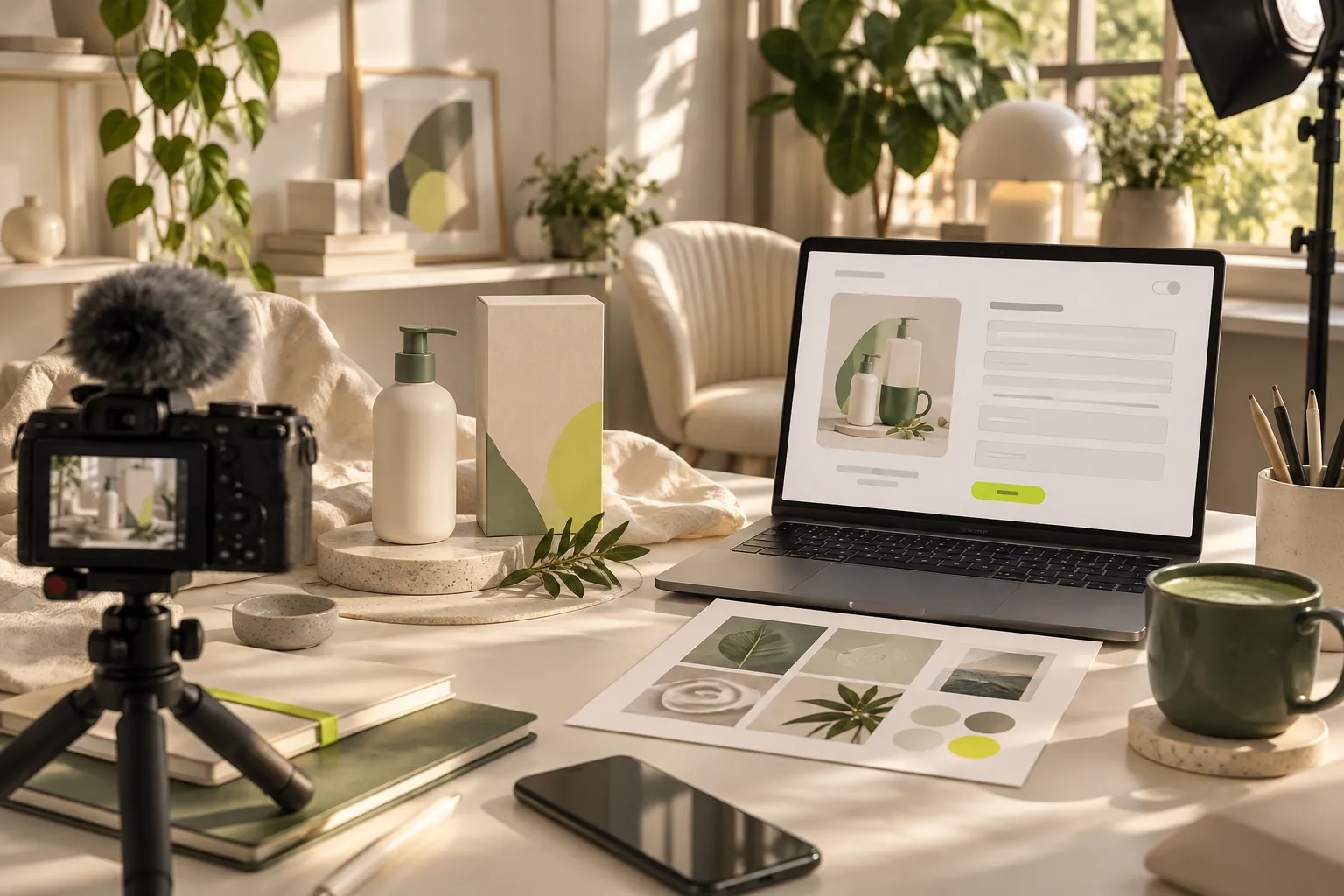
PERSONAL PAGES
Collect useful scope, timing and contact information from brands in a clear first-step collaboration form.
Read the guide
PERSONAL PAGES
Arrange your scope, work examples and enquiry form so potential clients can start with useful questions.
Read the guide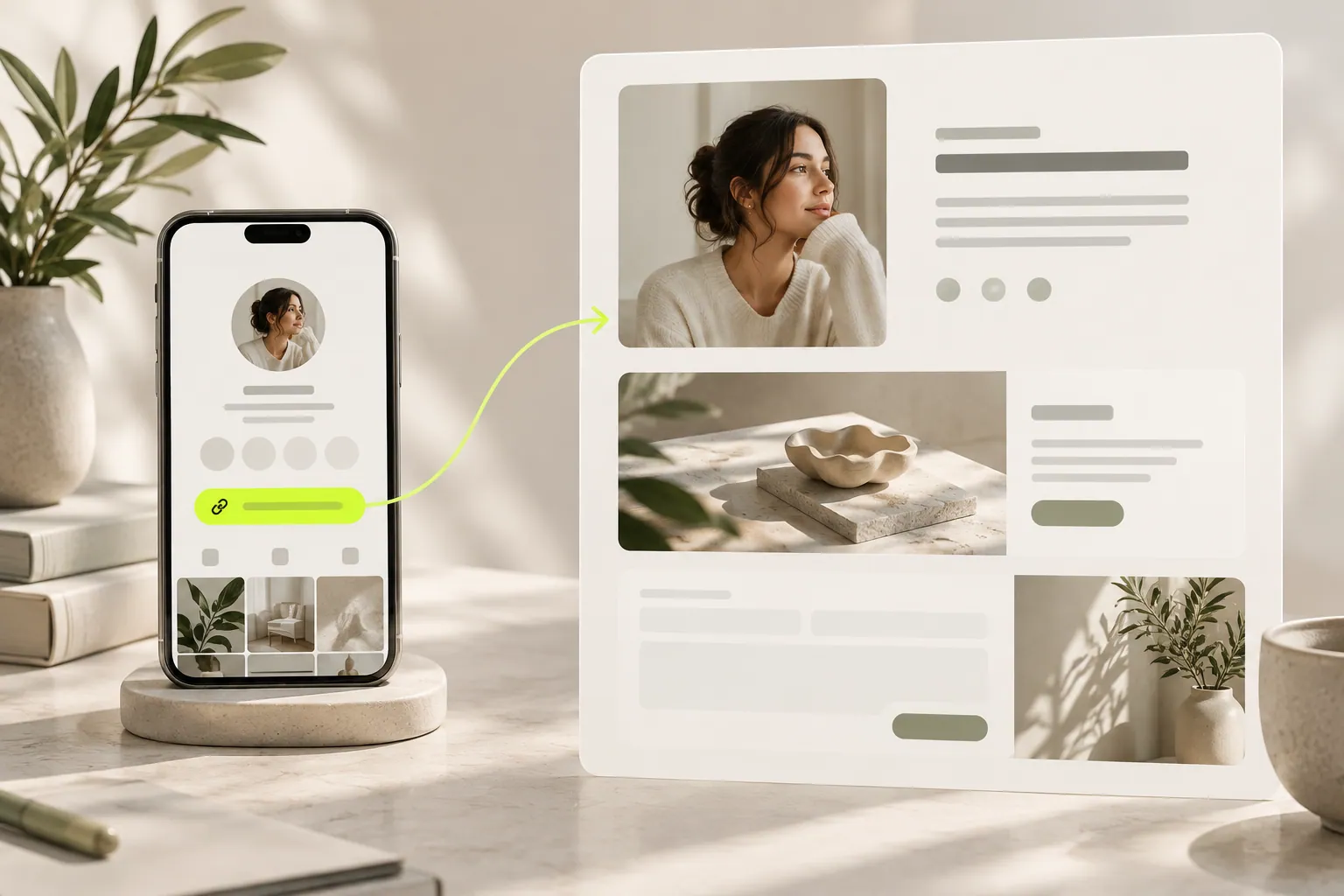
PERSONAL PAGES
Write invitations for social profiles, email signatures and content descriptions that explain where your link leads.
Read the guide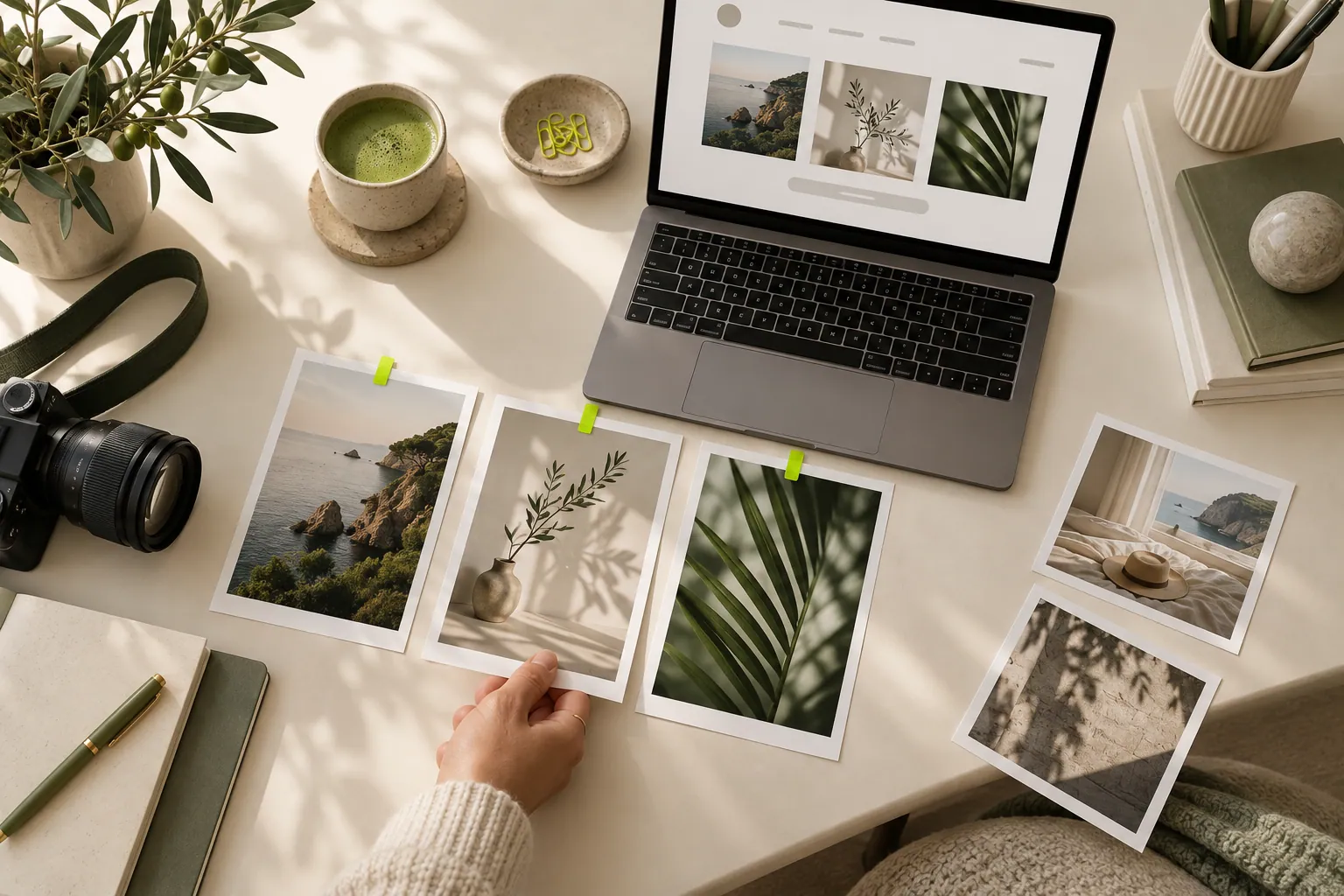
PERSONAL PAGES
Build a portfolio from selected projects and useful captions instead of publishing your entire archive.
Read the guide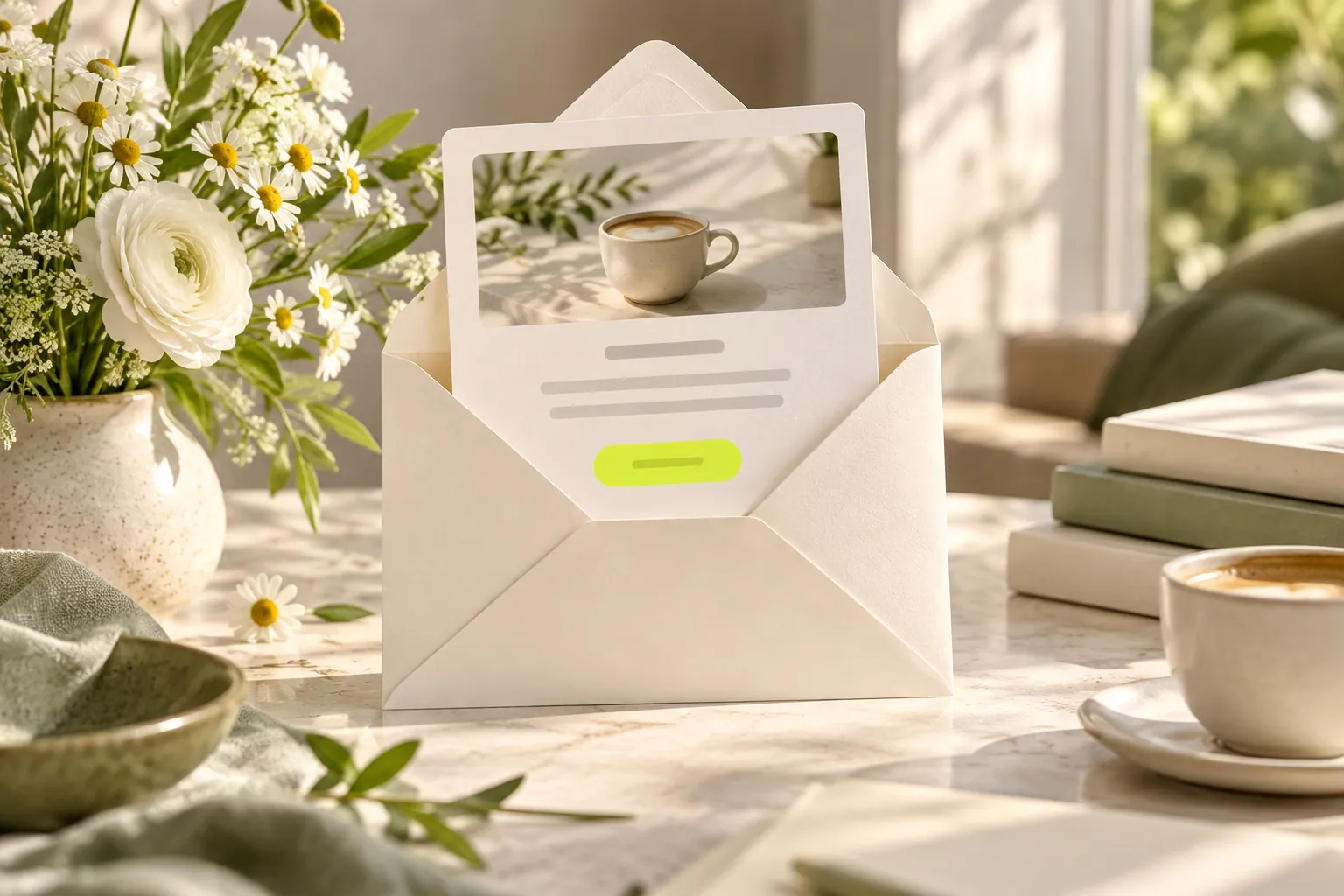
CUSTOMER COMMUNICATION
Prepare a first message that reconnects new subscribers with your brand, clarifies expectations and offers one useful starting point.
Read the guide
CUSTOMER COMMUNICATION
Write a response that summarizes the customer’s need, clarifies missing information and explains the next step.
Read the guide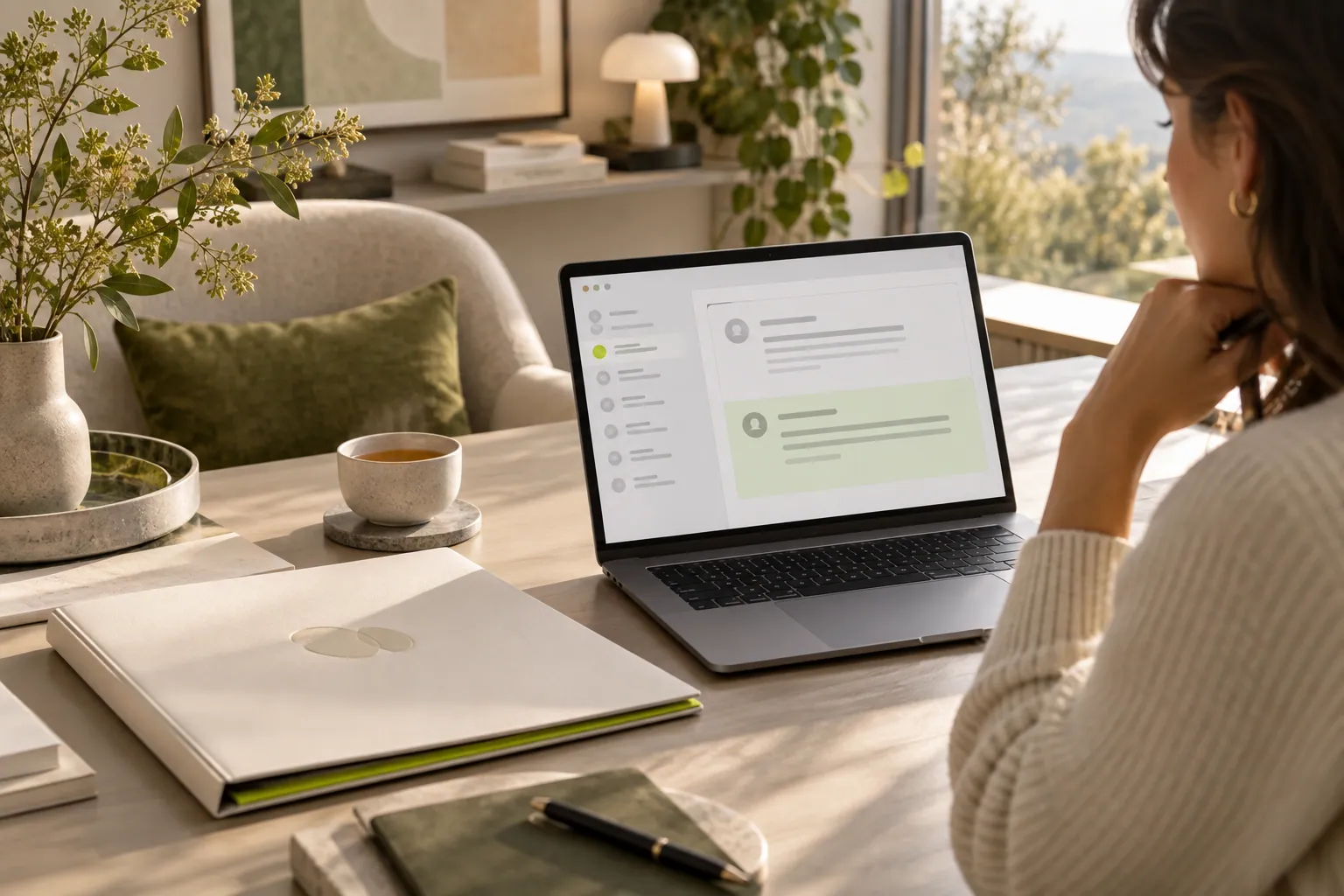
CUSTOMER COMMUNICATION
Follow up on an unanswered proposal with a specific, respectful question instead of repeating the same pitch.
Read the guide
CUSTOMER COMMUNICATION
Choose clear, focused questions that help you understand a product or service experience rather than asking only for general satisfaction.
Read the guide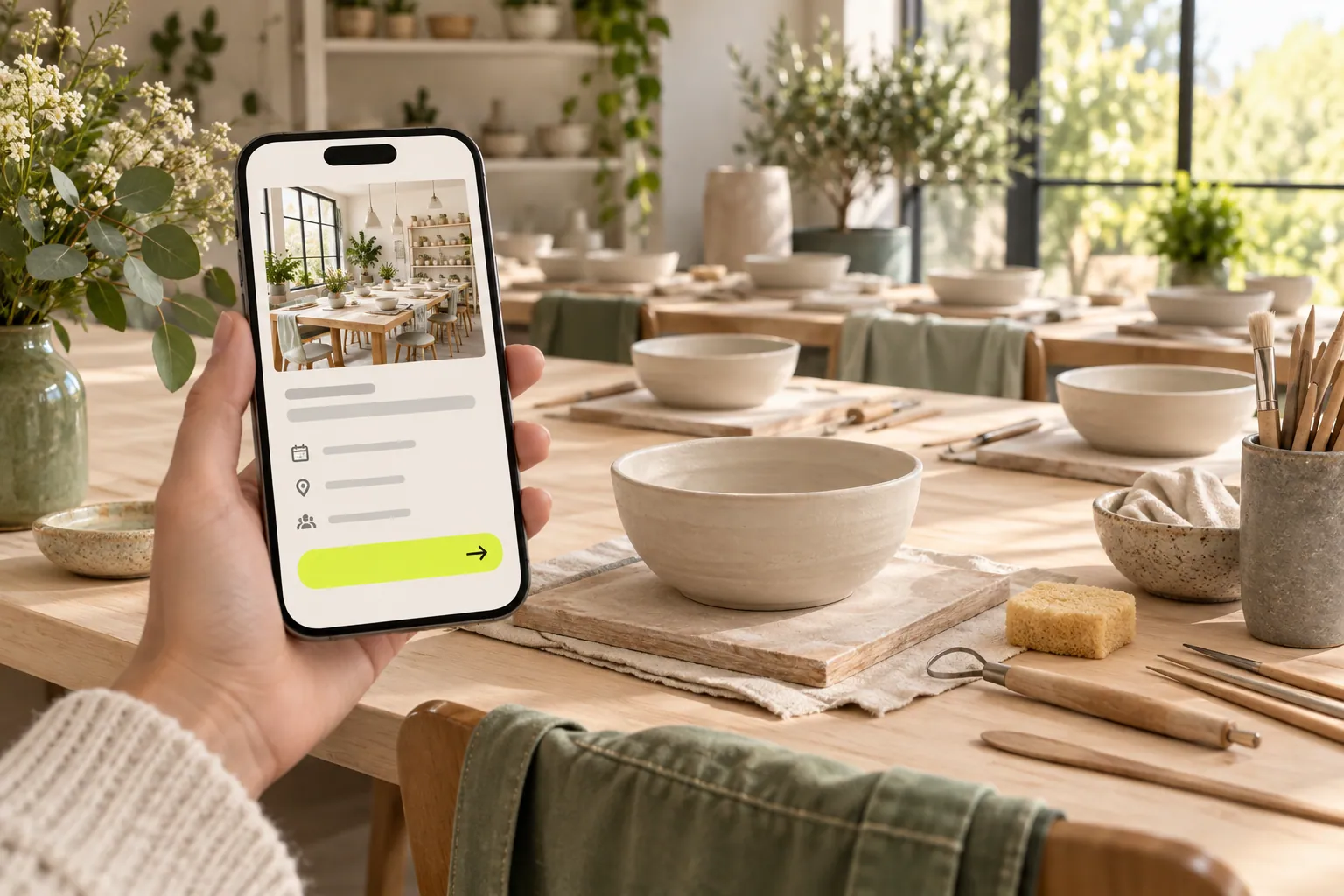
CUSTOMER COMMUNICATION
Bring the topic, time, location and registration step together in an invitation readers can evaluate easily.
Read the guide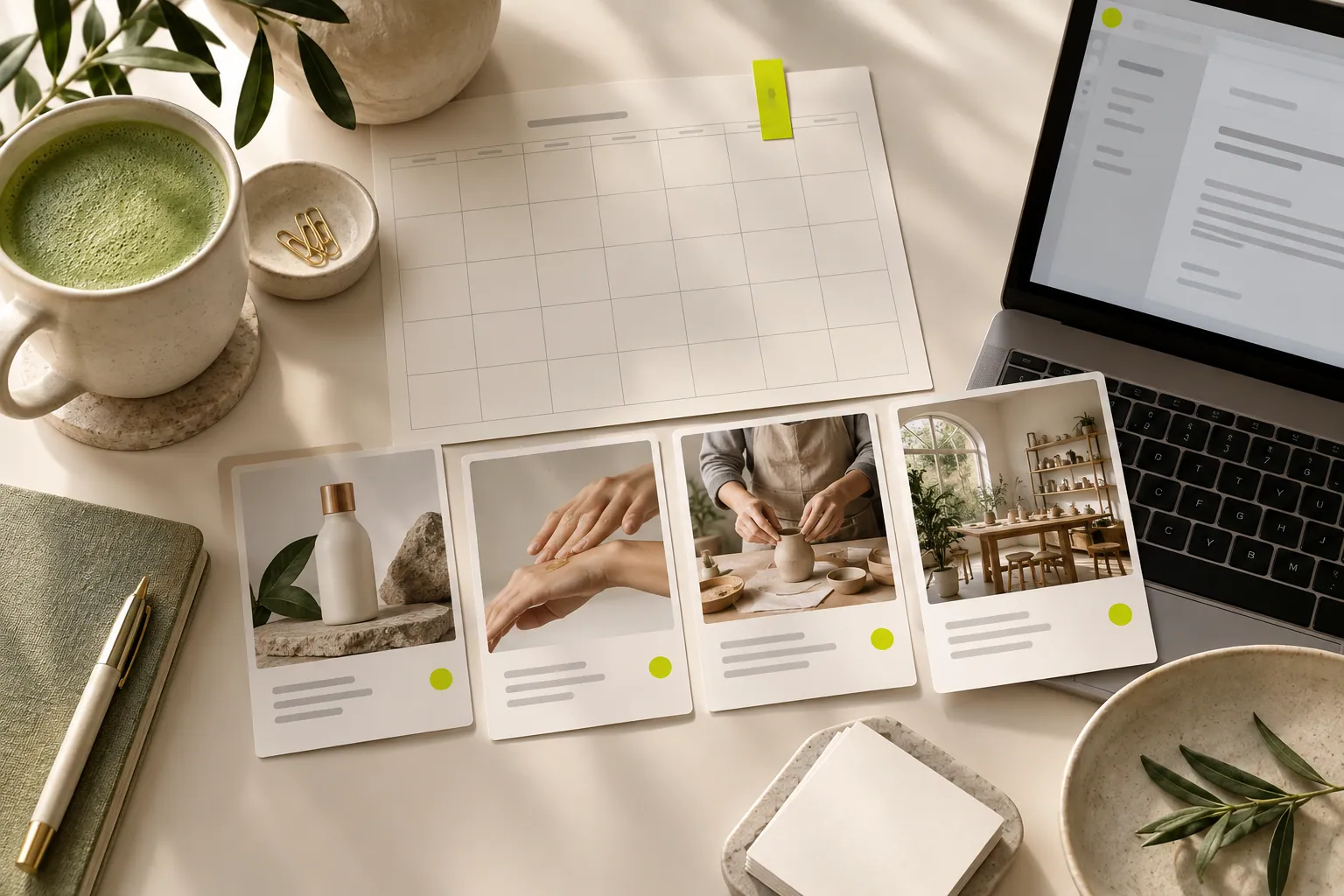
CAMPAIGN PLANNING
Turn product news, useful advice and customer questions into an email plan you can maintain.
Read the guide
CAMPAIGN PLANNING
Evaluate content value, reader expectations and preparation capacity instead of searching for one schedule that fits everyone.
Read the guide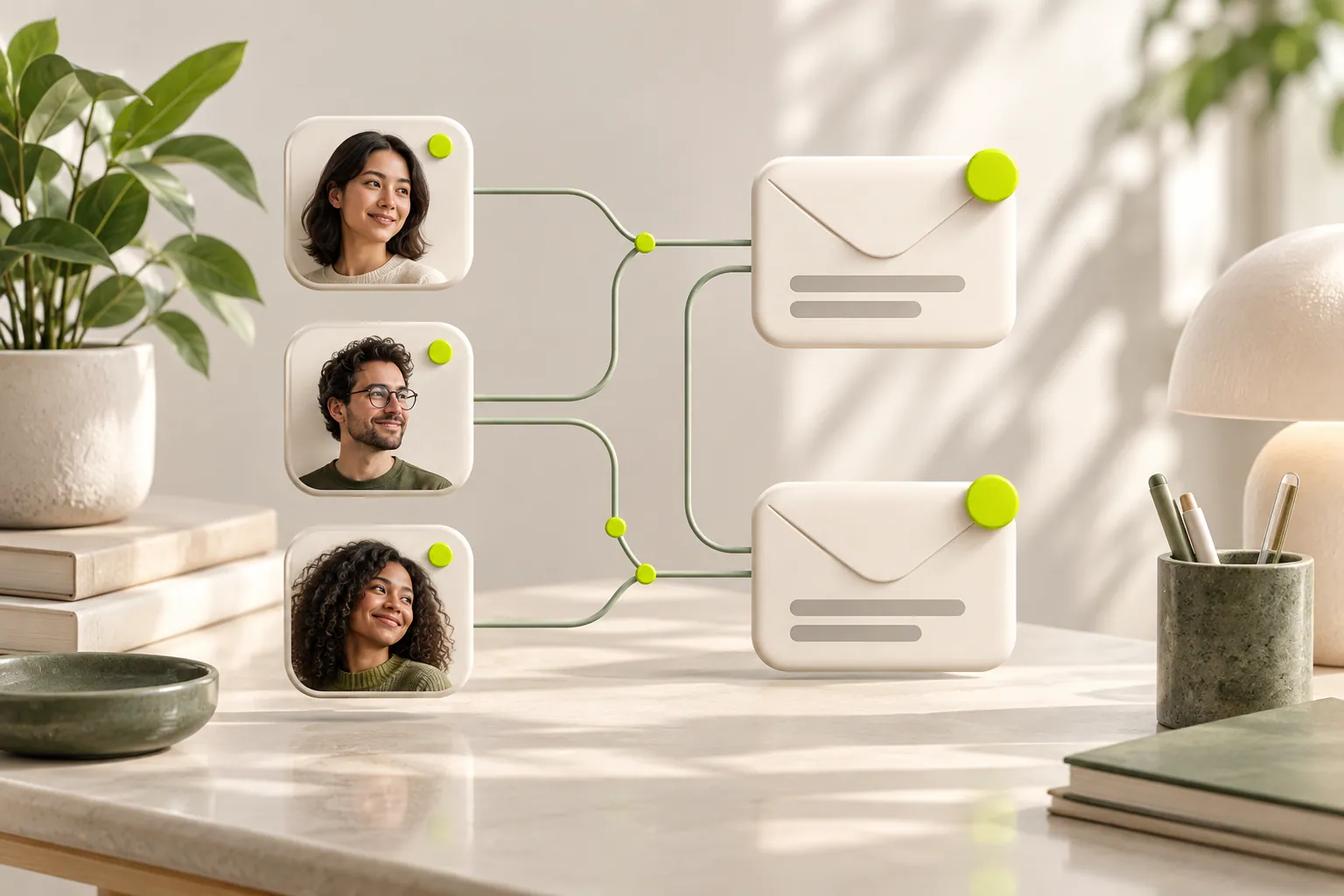
CAMPAIGN PLANNING
Separate audience size from monthly email needs when comparing plans, using a simple calculation for each requirement.
Read the guide
CAMPAIGN PLANNING
Review the message purpose, link interactions and actual customer responses instead of treating sending volume alone as success.
Read the guide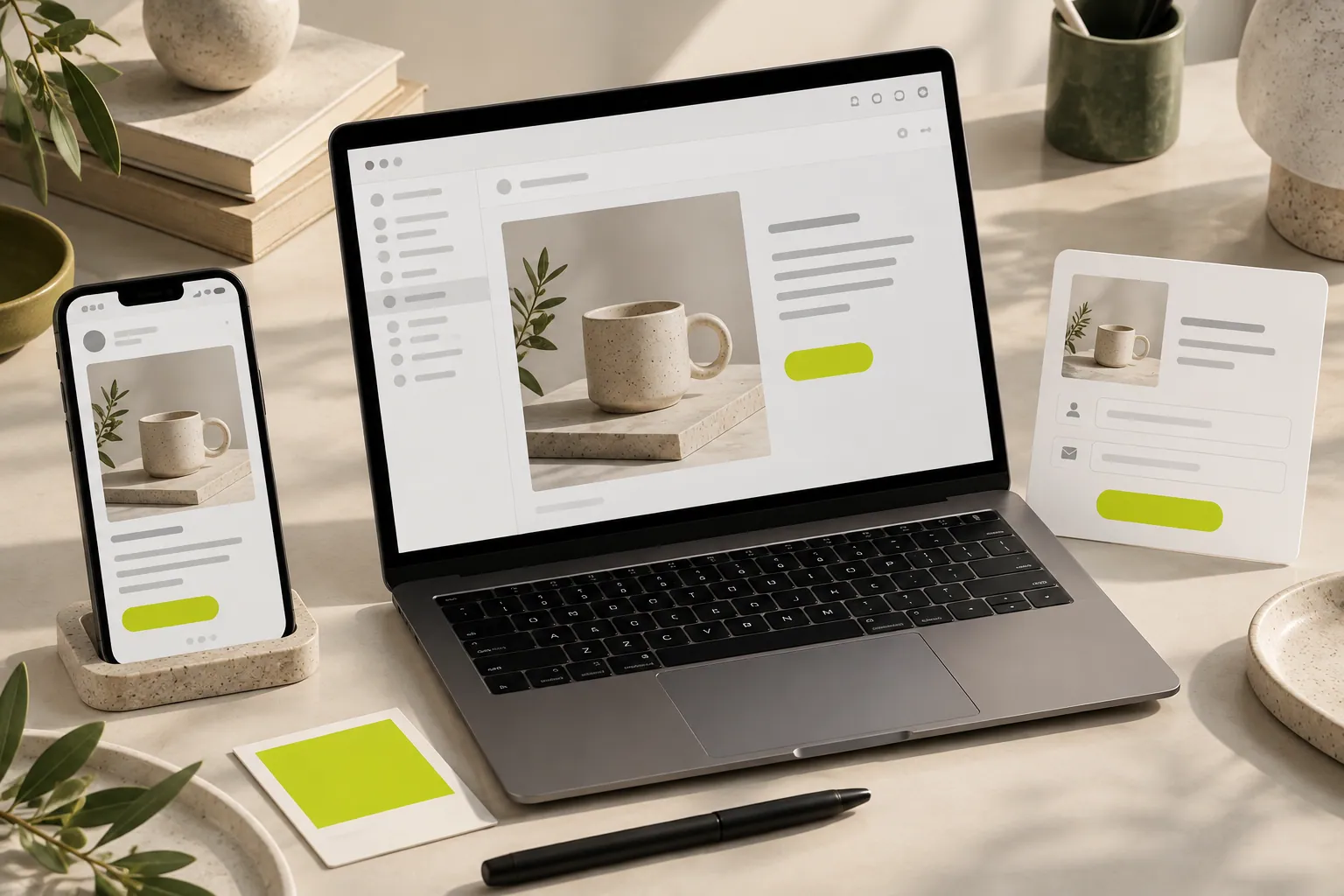
CAMPAIGN PLANNING
Connect color, voice and imagery into one recognizable experience without making every surface an identical copy.
Read the guideCRESVONA
Create emails that reflect your brand and meet new customers.
Start free trial