PERSONAL PAGES
How to share your personal page link
Write invitations for social profiles, email signatures and content descriptions that explain where your link leads.
Your personal page is ready. When you add its link to a profile, it also helps to explain why someone should open it. A short sentence beside the address can bring visitors with clearer expectations.
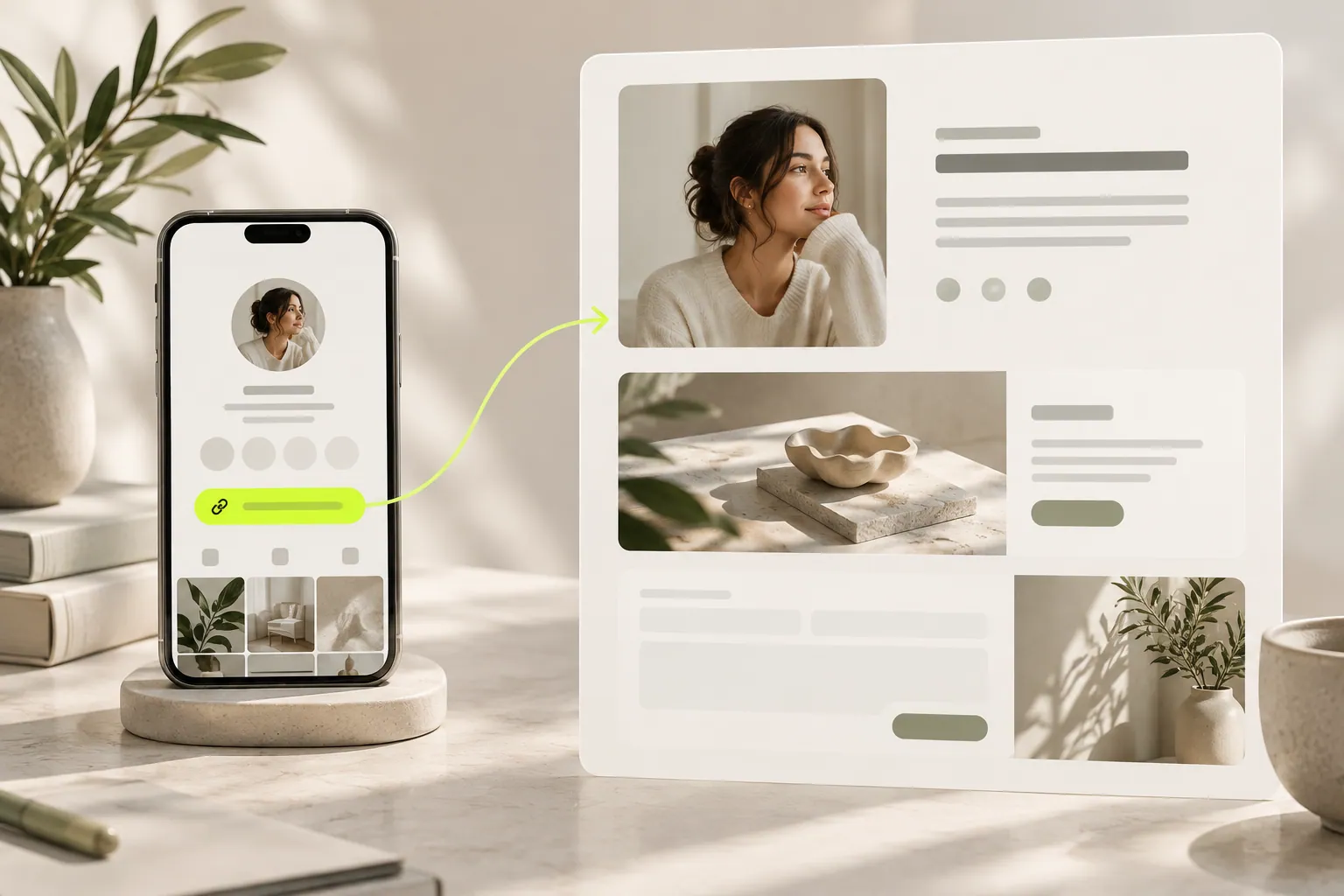
- Sharing invitation
- Introduction page
- Relevant conversation
Where will you share the link?
Someone discovering you on social media has different context from an existing client reading your email signature. Briefly explain your work in the first situation; offer a route for the next project in the second. You do not need the same vague invitation everywhere.
Will visitors find the promise immediately?
If you say “Explore my work”, examples should be easy to find. If you invite collaboration enquiries, make that form clear. Read the invitation beside the page opening. Matching topics help visitors recognize that they have reached the right place.
Have you tried opening it on a phone?
A person arriving from social media may use a small screen. Are the heading, work images and form readable? Does the copied address open the intended page and language? Checking before sharing reduces the work of correcting an old link in many places later.
Explore the foundations of inviting new contacts to your audience.
What happens when your page changes?
Keep a short list of profile, signature and content placements. When your focus changes, review the invitation wording as well as the page. Avoid leaving descriptions that still invite enquiries for work you no longer show. Treat sharing as the beginning of the page experience.
Now let’s look at your own content.
- Explain the link’s purpose in one sentence.
- Confirm that purpose on the first screen.
- Review old profile and signature links.
COMMON QUESTIONS
A few more things you might be wondering.
Should every post include the link?
Use it when it is a natural next step. Repeating an unrelated invitation does not make a post clearer.
Is an email signature enough?
It is a starting point. Share the link with suitable wording in other places where clients discover you.
Does the page language matter?
Yes. Matching the invitation and page language helps visitors follow the journey.