EMAIL DESIGN
The basics of good email design
A readable message, on-brand imagery and a clear next step. Practical tips for preparing your first email.
If you are preparing your first email, the blank page can feel like a lot to solve. You do not need every design decision at once. Start with who you are writing to and what you want that person to do next; the layout becomes easier from there.
- Message purpose
- Imagery and text
- Next step
Why are you sending this message?
Perhaps a collection has arrived, you are introducing a service or you have a useful tip to share. Choose one as the main topic. Someone who only reads the opening should still understand the offer. Other news can take a quieter place or wait for the next email.
It looks good. Is the message clear too?
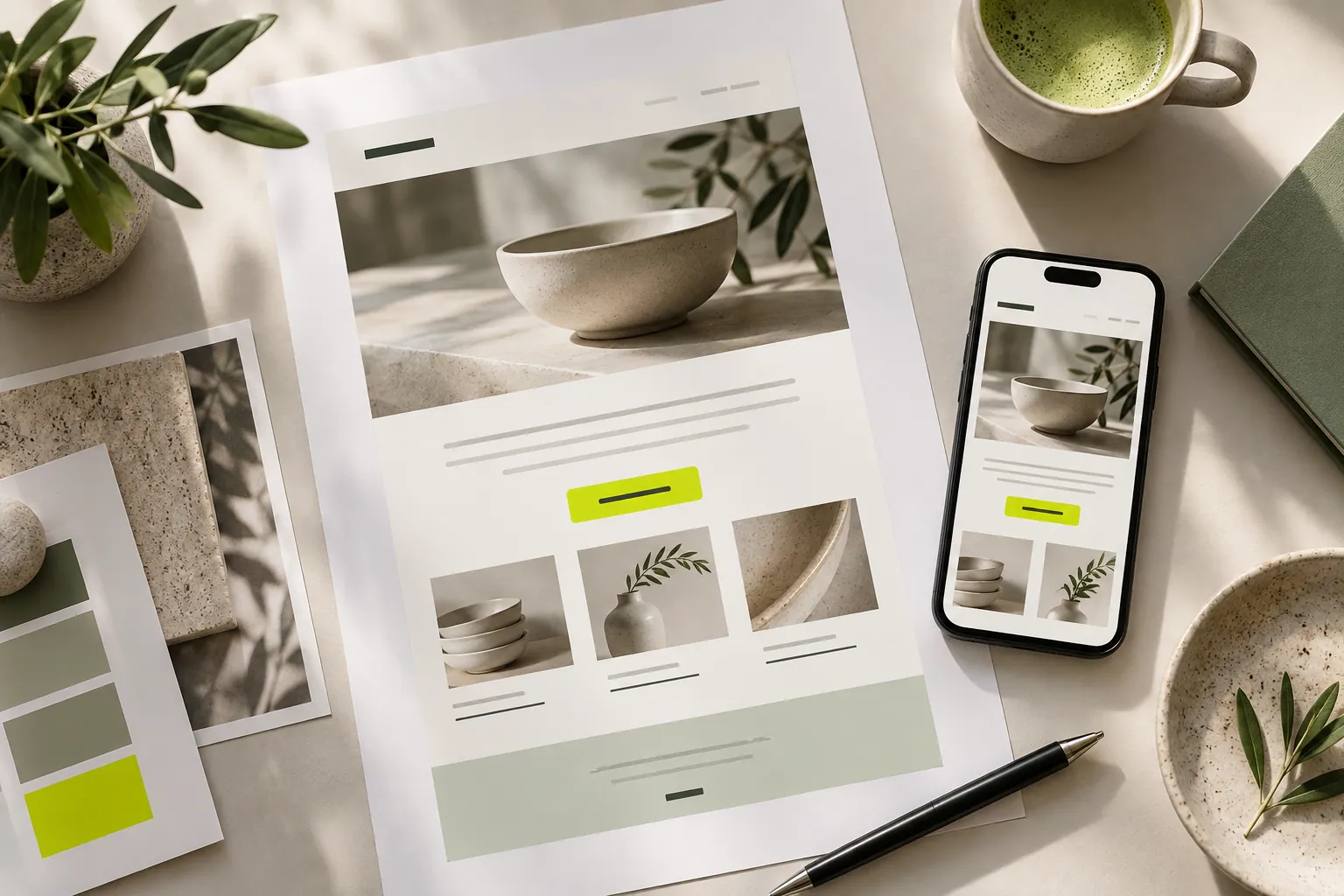
Let the image attract attention while the words fill in what it cannot explain. Beside a shirt photograph, you could describe the fabric and suitable occasions. Keep an important price, date or condition in text too, so the message still makes sense if the image does not appear.
The reader is interested. Where do they go next?
This is where the button helps. “Explore the collection” explains more than “Click here”. Open the link yourself: does it actually reach that collection? Making someone search again for the product they just saw creates an avoidable extra step.
Take one last walk through before sending.
Read the email on your phone. Do you need to zoom, is an important part of the image cropped, and is the button comfortable to use? Then review the subject and recipients. This short check lets you see the customer’s whole journey, not only the design.
Now let’s look at your own content.
- Choose one purpose.
- Read the main message without its image.
- Check the destination on a phone.
COMMON QUESTIONS
A few more things you might be wondering.
Where should I begin?
Decide what the reader should do after the email, then choose imagery and wording around that purpose.
Can an email be only an image?
Keep essential information in text too so the message remains understandable when an image fails to load or becomes difficult to read.
Does each campaign need a new layout?
No. Reuse a shared layout while adapting the imagery, message and destination to the campaign.