FORMS & AUDIENCE
Popup or inline form: which should you use?
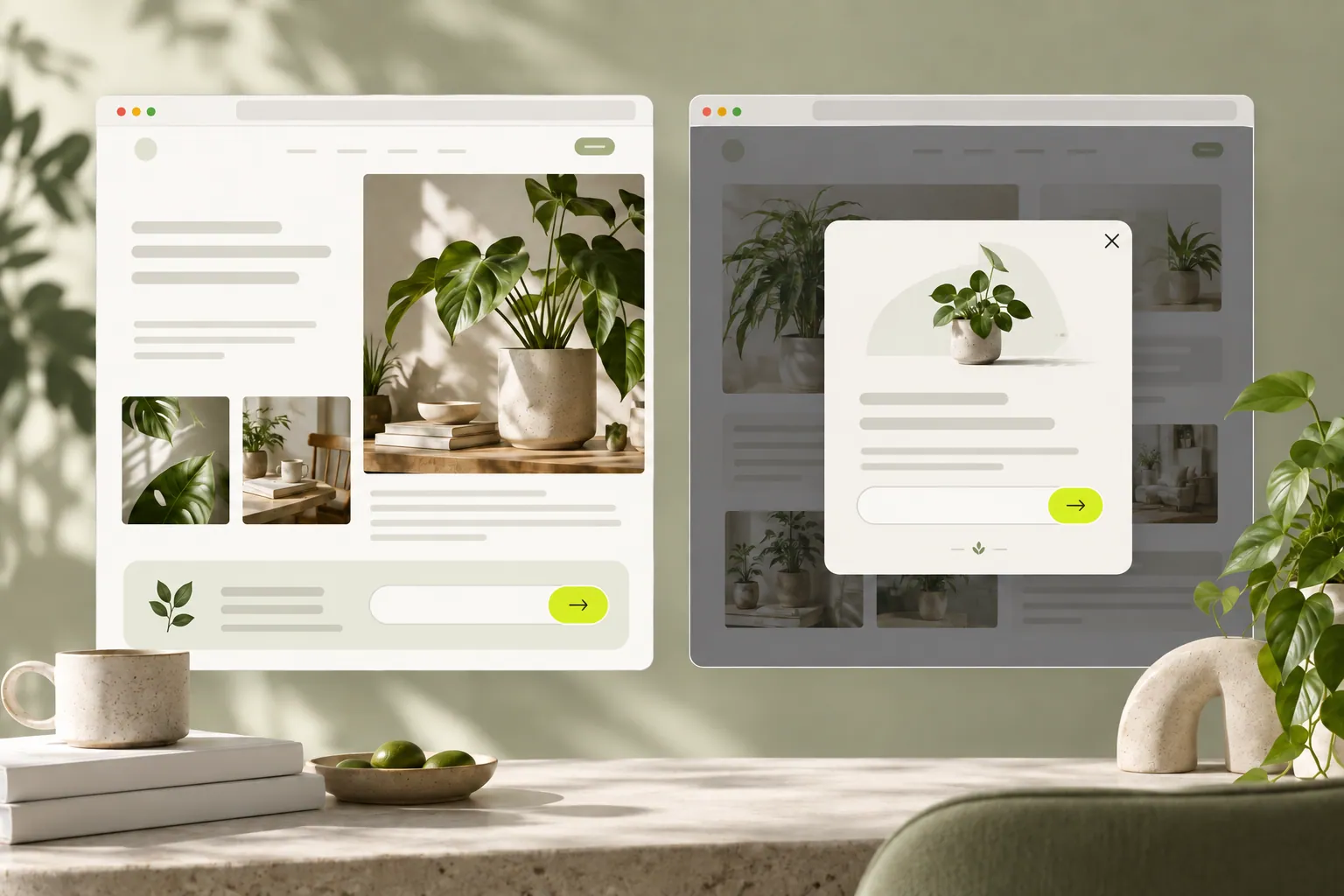
Choose a signup popup or an inline form around the visitor’s purpose, and combine them without unnecessary repetition.
A popup is noticeable, but that does not make it the best choice on every page. First consider what the visitor is trying to do. The placement is useful when it makes that task easier.
- Visitor purpose
- Suitable placement
- Continue comfortably
Did the visitor already arrive to contact you?
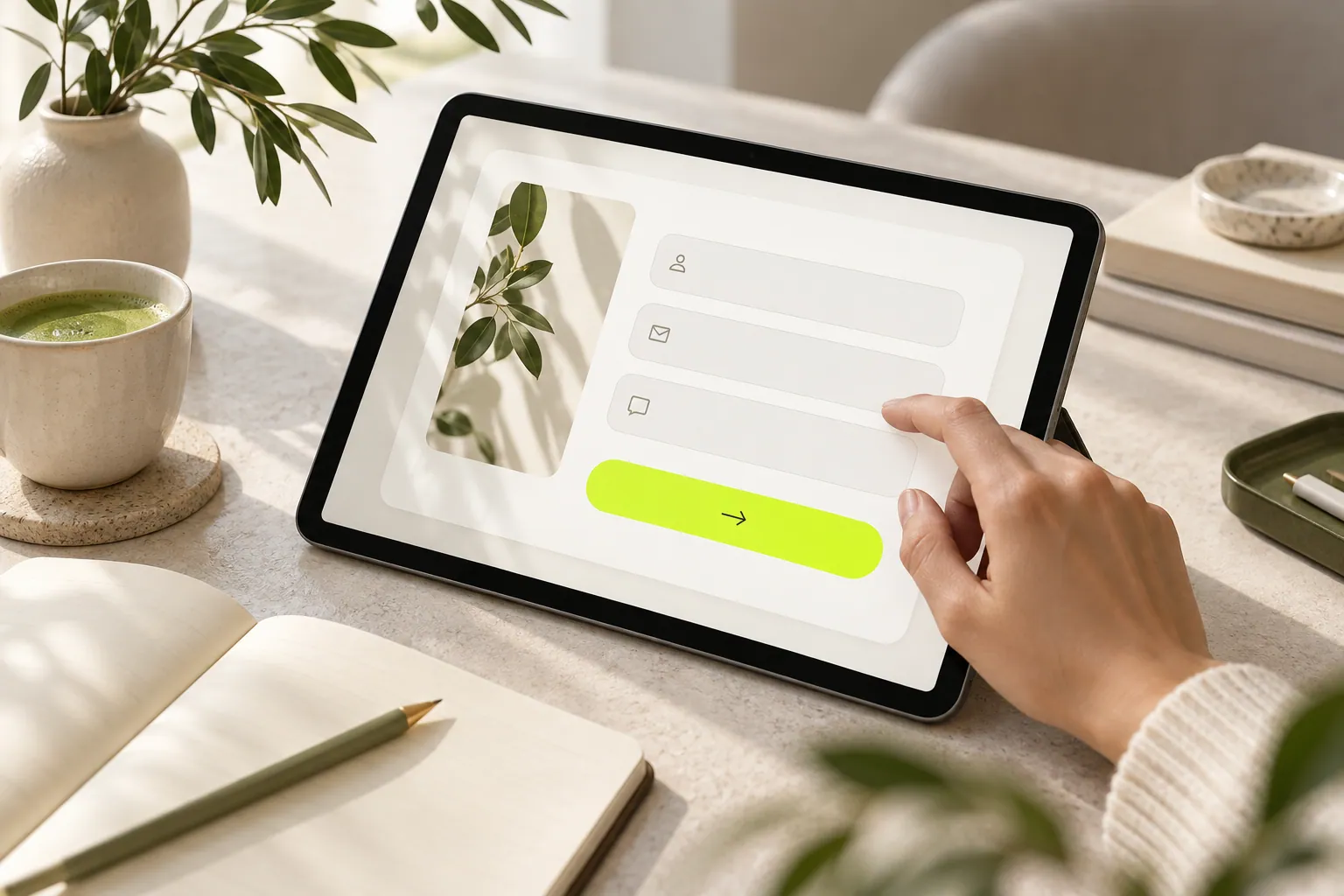
Someone ready to request a quote can continue naturally when a form is visible beside the relevant service explanation. Keeping the form in context helps. Hiding it far down the page or making people search for another window can turn a simple enquiry into extra work.
How should you approach someone reading an article?
A short invitation related to the article can help. A large window covering the content may interrupt reading instead. If you use a popup, give it one purpose and make closing easy. A visitor who does not want to sign up right now may still be interested in your content.
Can both appear on the same page?
Yes, when their purposes remain clear. An inline service enquiry form and a quieter newsletter invitation can serve different needs. Rather than repeating one invitation several times, consider where it actually helps. Check that the layouts do not overlap on a phone.
How do you decide what works for you?
Review the page purpose alongside the quality of incoming enquiries. A signup total alone may not tell you whether people have the right expectations. Explore the display options with small changes. Instead of looking for a universal winner, make your own visitor’s journey easier.
Now let’s look at your own content.
- Describe the visitor’s current task.
- Prioritize one invitation.
- Review closing behavior and phone usability.
COMMON QUESTIONS
A few more things you might be wondering.
Will a popup always collect more signups?
There is no universal answer. Content, visitor purpose and presentation affect the result. Evaluate behavior on your own page.
Can I use both on one page?
Yes, when purposes and priorities remain clear. Avoid overlapping layouts or repeating the same invitation unnecessarily.
Can a quote form appear in a popup?
It can suit a short enquiry. Consider a roomier inline layout when many fields or lengthy explanations are necessary.