EMAIL DESIGN
Mobile email checklist: what to review before sending
Build a practical review sequence for headings, images, buttons and destinations on a phone screen.
An email that looks comfortable on desktop may feel different on a phone. That does not mean rebuilding everything. Spend a few minutes following the message as your customer would on a smaller screen.
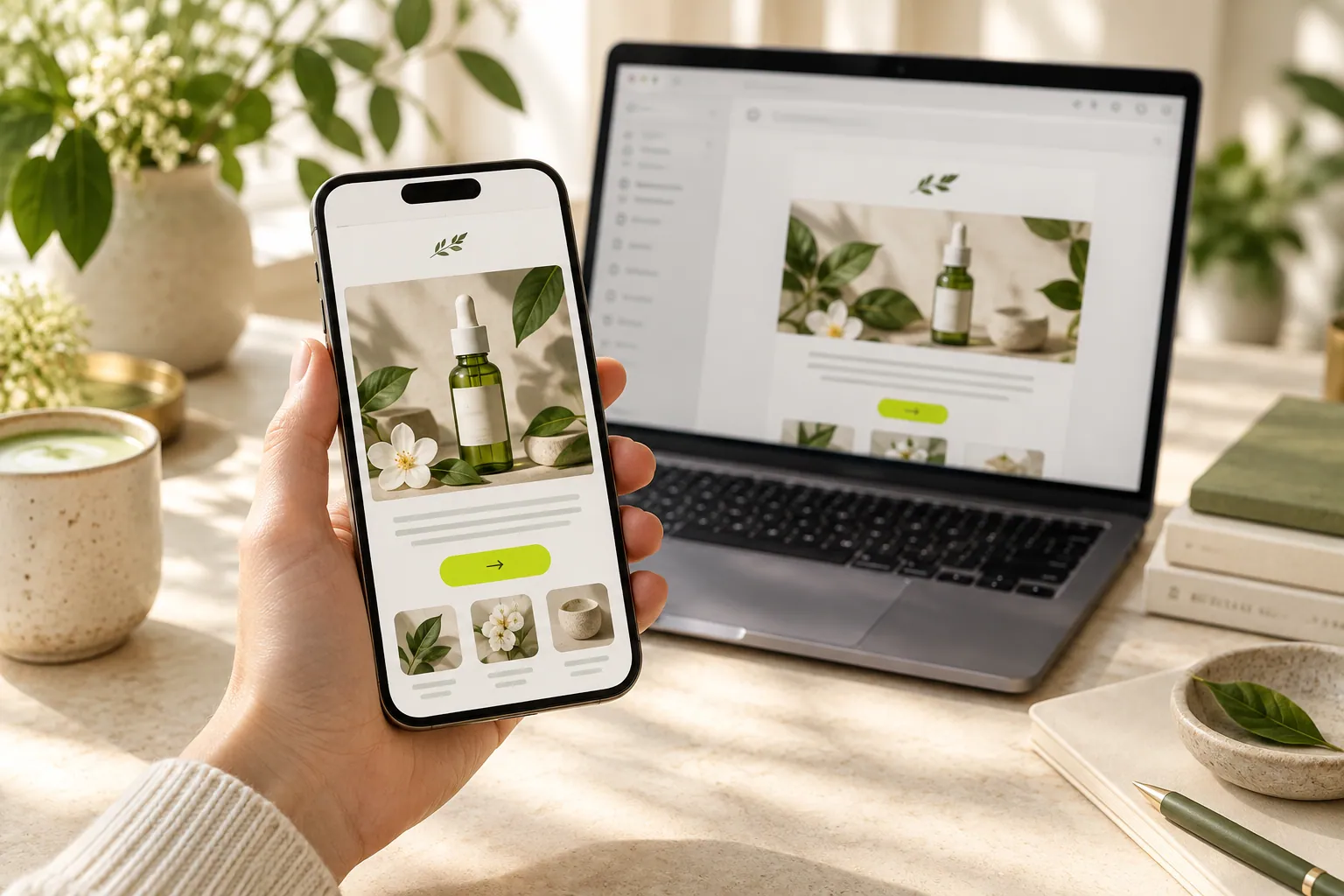
- Phone preview
- Readable content
- Usable next step
Can you recognize the message on the first screen?
If a large image fills the opening, the explanation may sit too far down. A smaller image or earlier introduction can help. The opening should explain who is writing and why it might matter without requiring a long scroll to find the point.
Do you need to zoom to read?
Long paragraphs and side-by-side columns can become tiring on a narrow screen. Break the wording into meaningful pieces and check the order when products stack. If one product’s description appears attached to another product’s button, fix that relationship first. Simplifying does not mean removing essential detail.
Would the message work without its image?
Product photography helps, but necessary dates or prices belong in text too. Small lettering inside an image may be hard to read on a phone. Read the main message without the picture: can you still identify the offer and destination? This makes missing explanations easier to notice.
Should the review continue after the button?
Yes, because the customer’s experience does not end with the email. Open the link and check the page and language. Review any form and its explanations too. If possible, try another phone or email application; one preview does not represent every display.
Now let’s look at your own content.
- Review the first screen as a reader.
- Check the core information without images.
- Follow the button through to its destination.
COMMON QUESTIONS
A few more things you might be wondering.
Is testing on one phone enough?
It is a useful starting point, but does not represent every email application. Review additional screens and applications when possible.
Can all the text live inside an image?
Avoid relying on images alone for essential details. Small-screen readability and failed image loading can cause problems.
Do I need a different mobile message?
Usually the purpose and content remain the same. Adjust layout, length and cropping to make them understandable on a smaller screen.