Email my existing audience.
If people are ready to hear from you, begin with a product announcement, service introduction or newsletter. Decide what to say and what the reader should do next.
Start with email marketingGETTING STARTED
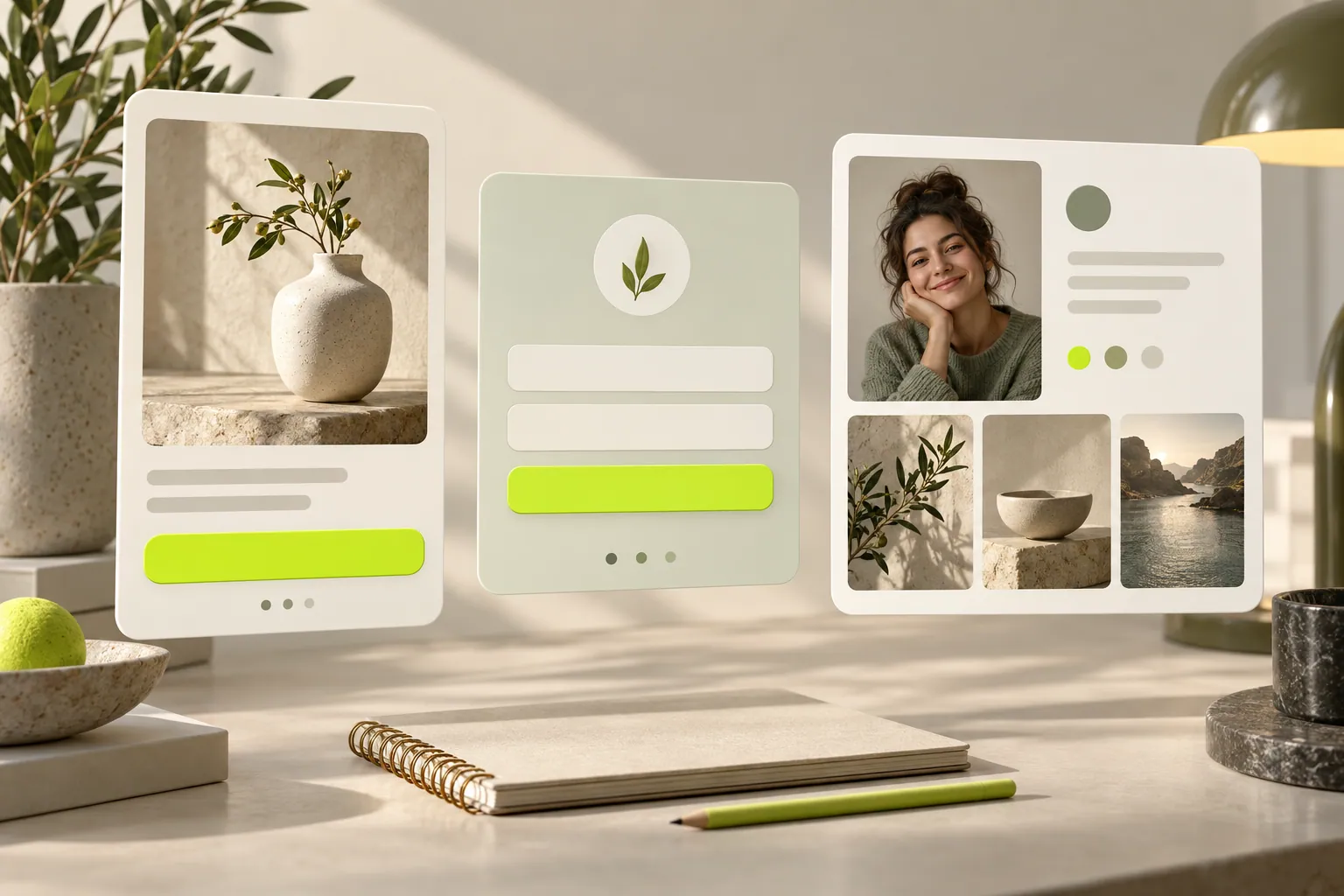
You might want to prepare a first email, meet new people or create a personal introduction page. Choose the path that fits and begin with one small, clear step.
YOUR STARTING POINT
You do not need every tool at once. Choose the outcome first and add other steps when you need them.
If people are ready to hear from you, begin with a product announcement, service introduction or newsletter. Decide what to say and what the reader should do next.
Start with email marketingGive visitors a clear invitation to join a newsletter or ask a question. Choose a form or popup around the information you need and plan what happens after signup.
Explore forms and popupsBring your introduction, services and selected work into one link. Collect enquiries through a personal page and start new conversations.
Plan your personal pageFIRST PREPARATIONS
You do not need a full campaign brief. Gathering these four pieces makes the first draft easier to prepare.
Start with your logo, colors and imagery you can share. Keep a familiar brand presence across email, forms and personal pages.
Build brand consistencyWhat should the reader learn? Try describing the product, your service or the benefit of joining in one sentence.
Prepare the message and layoutChoose an image related to the product, work or content. Keep important explanations in text too instead of placing every detail inside the picture.
Check the phone layoutChoose an action such as exploring a product, requesting a quote or joining a newsletter. The button and its destination should describe that action together.
Choose your call to actionSTEP BY STEP
Use Start free trial to register. Decide whether your first piece will be an email, form or personal page. You do not need to complete your whole communication setup in one day.
Bring together a heading, short explanation and relevant image. For a form, ask for the details needed for an initial reply. On a personal page, explain what you do and how to contact you.
Review text and links, then check the design on a phone. Follow the confirmation after a form, the destination from an email and the enquiry area on a personal page.
Note incoming questions. Clarify an explanation or add missing information. Use what you learn to shape the next piece rather than redesigning everything.
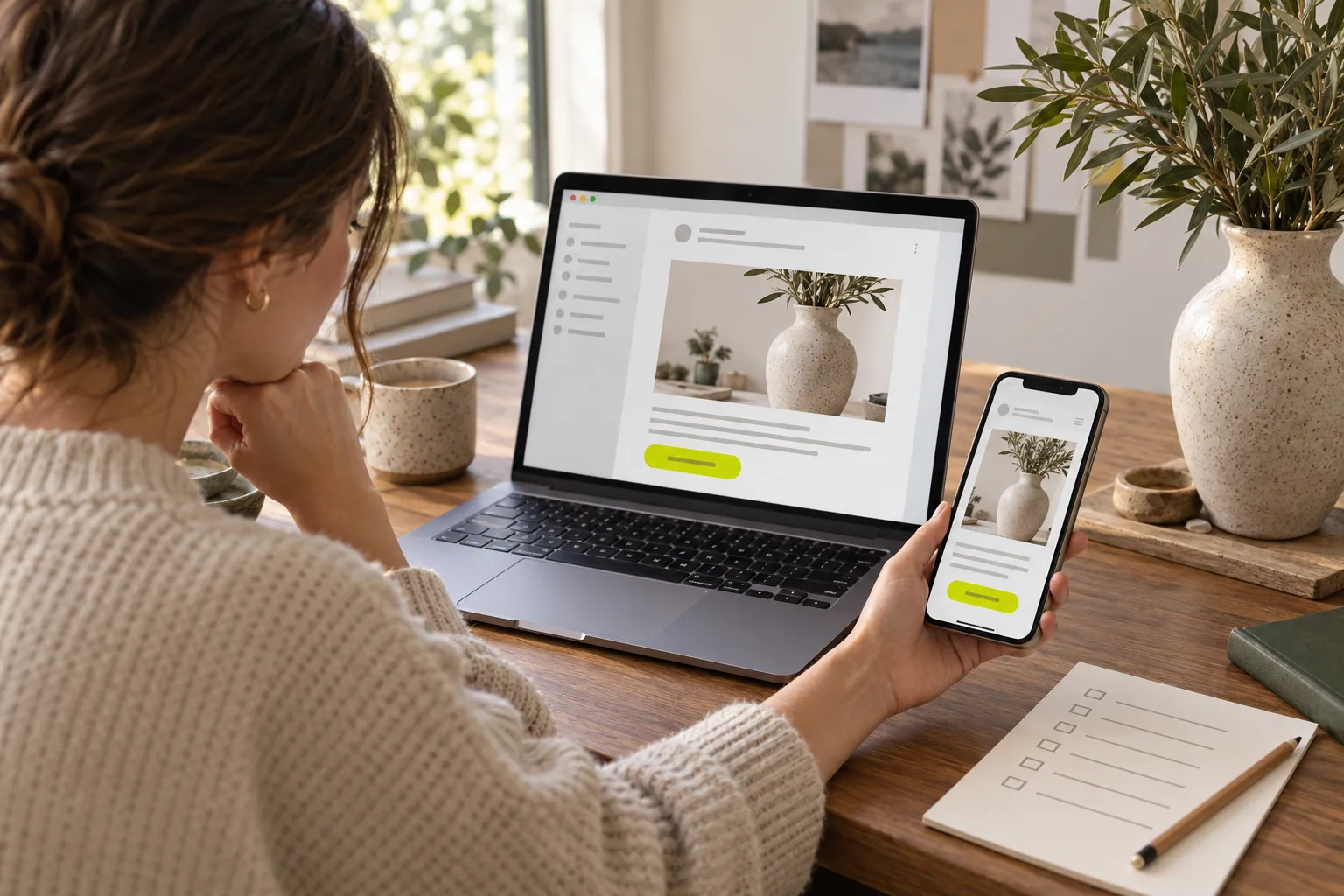
Imagine introducing a ceramic product. Your email looks good on a laptop, but is the product still clear on a phone? Does the button lead to that exact item? Apply the same short review to a form or personal page. A clear first experience can be a better start than adding more content.
The pre-send mobile review guideASK YOURSELF
Ask yourself these three questions. Clear answers give your first piece a useful direction.
An existing customer, newsletter reader or visitor seeking a service? Different needs do not have to fit into one message.
Set a specific expectation such as product information, useful content or a reply to an enquiry. Keep the heading, explanation and next message consistent.
What will a new subscriber receive? How will you answer a quote enquiry? Think about the continuation while preparing the first piece.
AROUND YOUR AUDIENCE
How many contacts do you have, how many emails are planned each month and which tools will you start with? Compare plans around those needs. Separating contact count from sending volume makes the comparison clearer.
YOUR QUESTIONS ANSWERED
Choose the outcome you want today. An existing audience can start with email; new signups may need a form or popup; a personal introduction page can help when you do not have a separate site.
No. Start with one email or one signup area. Add other tools as your communication needs develop.
Start free trial takes you to registration. If you already have an account, use Log in in the header.
To email an existing audience, you need to decide who will receive it. If you do not have an audience yet, begin meeting people through a clear signup invitation or personal page.
Introduce yourself and your work on a personal page and collect enquiries through one link. You do not need to build a separate website.
Start with one product announcement, practical idea or answer to a service question. A focused topic makes choosing the heading, image and link easier.
Think about the information needed for a first reply rather than a fixed number. A newsletter signup can be short; a quote enquiry may need a field describing the need.
You can first clarify the message, audience and next step. Complete the brand elements and relevant imagery before sharing the design.
Yes. Check readable text, clear images and usable buttons. Try completing the form and opening the link’s destination too.
They have different expectations. Give subscribers the content promised and answer quote enquiries around the person’s actual need.
Review questions and relevant interactions. Clarify an explanation, answer a new question and choose a communication rhythm you can maintain.
Review contact count, monthly sending needs and the tools you want together. Read the plan comparison around your first goal.
BLOG & GUIDES
From email design to growing your contact list, discover ideas you can put into practice.
EMAIL DESIGN
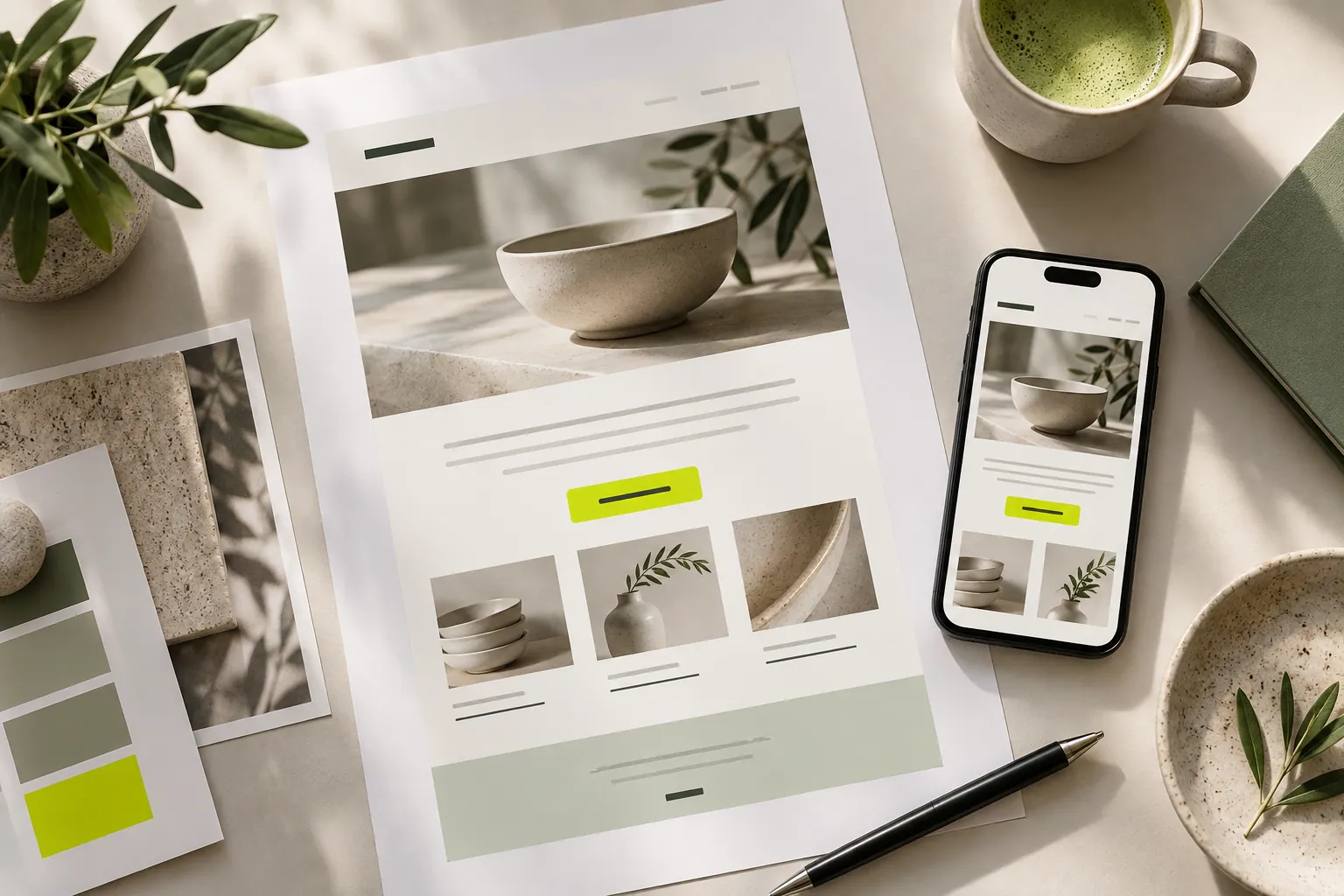
A readable message, on-brand imagery and a clear next step. Practical tips for preparing your first email.
Read the article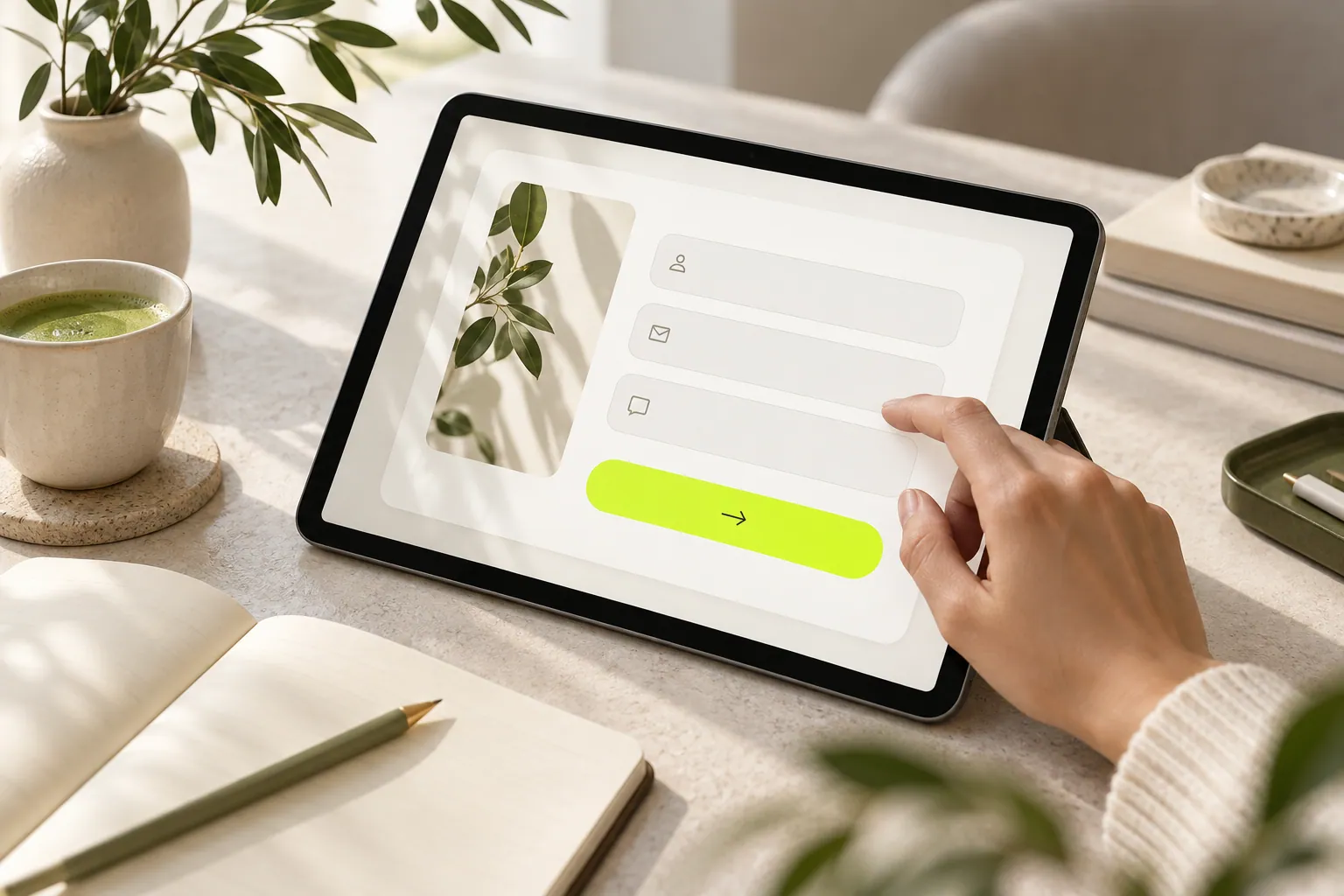
FORMS & AUDIENCE
Separate newsletter, quote and collaboration needs to build a form that collects useful information without unnecessary questions.
Read the article
PERSONAL PAGES
Collect useful scope, timing and contact information from brands in a clear first-step collaboration form.
Read the articleCRESVONA
Create emails that reflect your brand and meet new customers.
Start free trial