01
Let your brand stand out.
Use your own imagery, colors and words for product launches, newsletters and invitations.
Email design guide ↗FEATURES
Design your emails, meet new customers through forms and grow your contact list. Prepare all your brand’s messages in one place.
Start free trial
Whether you sell to people or businesses, good communication begins with understanding your customer.
Use your own imagery, colors and words for product launches, newsletters and invitations.
Email design guide ↗Give visitors a place to get in touch. Collect newsletter signups, service questions and quote requests.
Audience building guide ↗Design branded signup popups and invite visitors to hear your news.
Audience building guide ↗Build your audience from the contacts collected through your forms. Share products and offers with interested people.
Audience building guide ↗Switch between desktop and mobile previews. Check images, copy and links before sending.
Email design guide ↗Introduce products to shoppers and services to business contacts. Be remembered after the sale too.
Business email guide ↗YOUR PERSONAL PROFILE PAGE
Bring your work, expertise and contact form together on a personal page. Help people who follow you start a conversation, without needing your own website or domain.
You do not need a form to reach your existing customers. Add forms and popups when you want to grow your audience.
Prepare a product announcement, newsletter or service introduction for people who want to hear from you. Your first step can be a well-designed email with a single purpose.
Offer a contact form or newsletter signup on your website. Understand each enquiry and share relevant campaigns with people who want regular updates.
Whether you sell products or provide services, start by understanding the person you want to reach.
Introduce new collections, share practical tips and invite people to follow your brand’s news. Start with a product image, a short description and a link to your store.
Explore ideas for ecommerce ↗
Introduce your service, collect quote enquiries and stay in touch with business contacts. Respond to each enquiry with a relevant message and plan ongoing marketing separately.
Explore business marketing ↗FINAL TOUCHES
A good campaign does more than look good. Its audience, message and next step are clear.
Read the getting started guide ↗Make sure your message fits the reader’s interests and communication preferences.
Let the subject line, image and main message support the same purpose.
Review text, images and buttons in the mobile preview.
Check that product and service links open the intended pages.
CRESVONA is an email marketing application for creating branded emails, contact forms and signup popups, building a customer list and running marketing campaigns.
Creators, influencers, freelancers and people who want to introduce themselves. The goal is to let you design your own introduction page and contact form to collect collaboration and meeting enquiries without a website or domain.
Yes. You do not have to create a form or popup. Prepare emails for your existing audience who want to hear from you. Add forms and signup popups when you want to reach new people.
Use your colors, images and words to create emails that reflect your brand. Keep a consistent visual style across announcements, invitations and newsletters to help customers recognize you.
A form provides a dedicated space within a page for contact or signup. A popup is a separate invitation that appears over the page. Use a contact form for enquiries, or a newsletter form or popup to invite visitors to follow your news.
Switch between desktop and mobile previews to review your design. Pay particular attention to long headings, product images and link buttons. Email applications can display content differently, so use the preview as part of your final checks.
No. Create your account through the Start free trial link. If you already have an account, use Log in to open your workspace.
CRESVONA suits shops and e-commerce brands promoting products to individual customers, as well as firms offering services or products to businesses. Prepare newsletters, product announcements, invitations and offer emails in your own brand style.
Start with a form or popup explaining why a visitor should join. Build your customer list from the contact details they share. Then prepare a newsletter, product announcement or offer that matches their interests and communication preferences.
A contact form starts a question or quote enquiry; a newsletter form collects a request for regular updates. Respond to a quote enquiry with a message about that request first. For ongoing campaigns, make sure the person expects that communication.
Consider whether you can use your own colors and images, build forms and popups, work with your customer list and check the phone layout. Also compare your sending volume, required connections and the current scope of each plan.
Choose one purpose, such as introducing a collection, inviting newsletter signups or starting a quote conversation. Pick a relevant audience, a short message and a clear next step. Check images, links and the mobile layout as you prepare the campaign.
BLOG & GUIDES
From email design to growing your contact list, discover ideas you can put into practice.
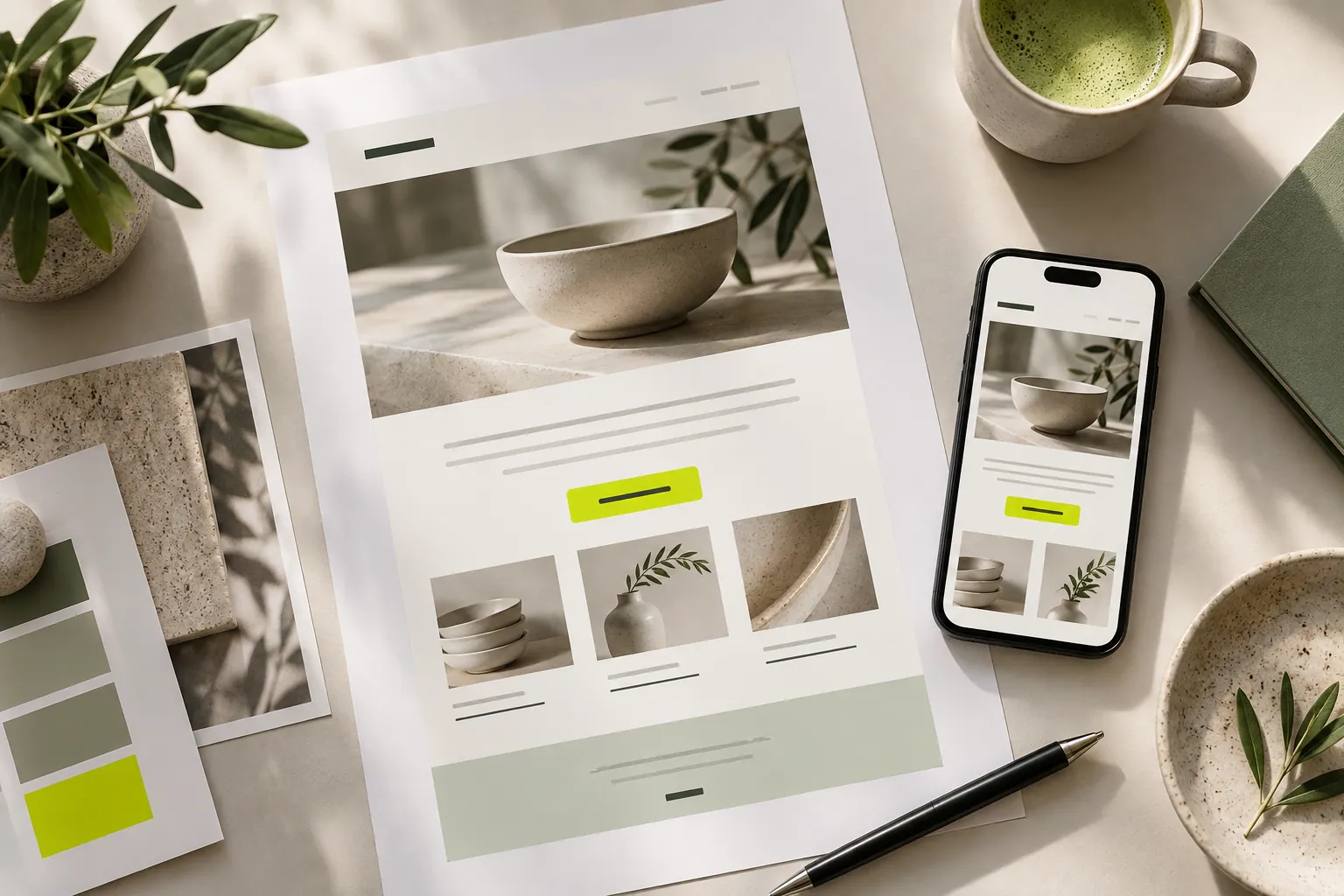
EMAIL DESIGN
A readable message, on-brand imagery and a clear next step. Practical tips for preparing your first email.
Read the article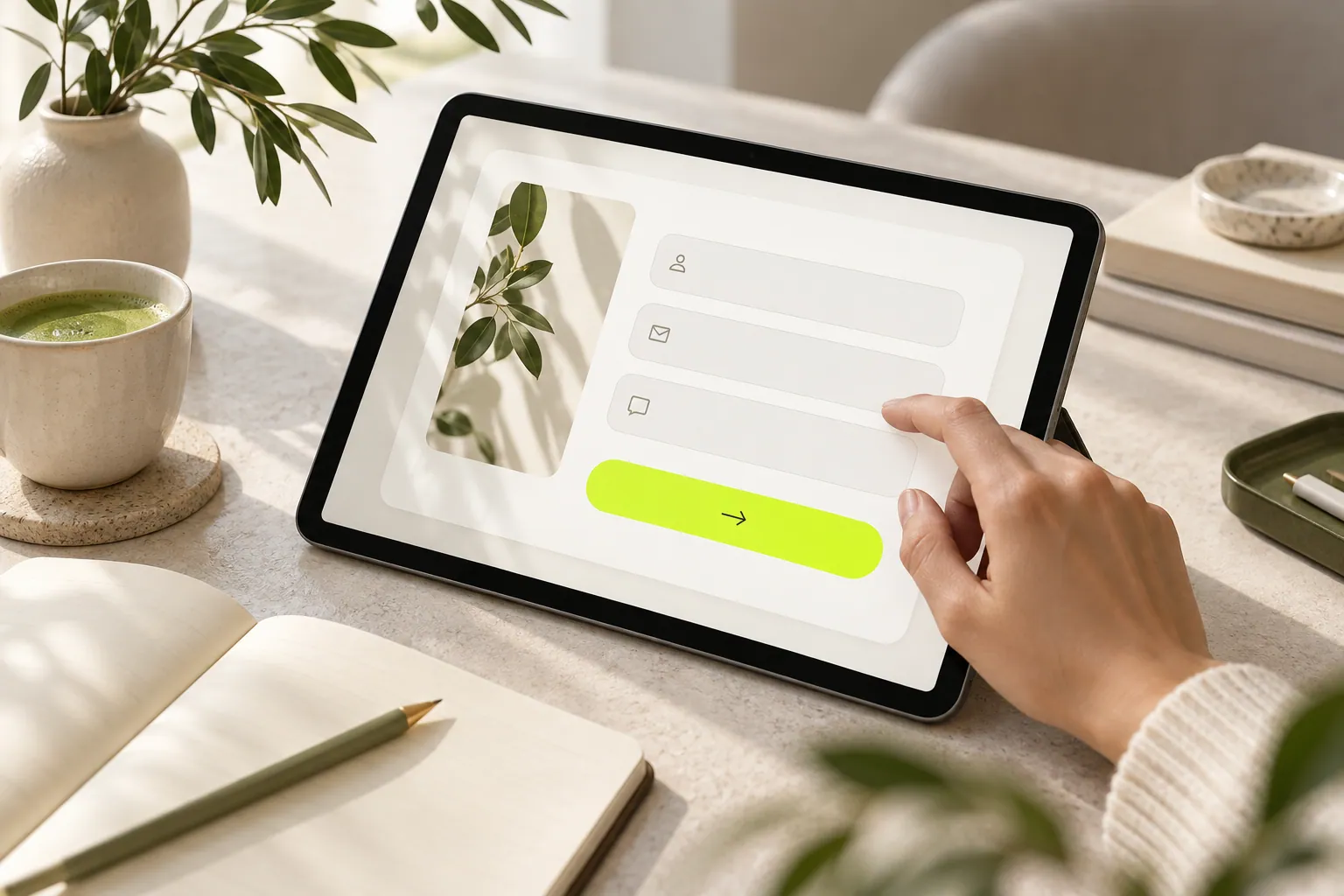
FORMS & AUDIENCE
Separate newsletter, quote and collaboration needs to build a form that collects useful information without unnecessary questions.
Read the article
PERSONAL PAGES
Collect useful scope, timing and contact information from brands in a clear first-step collaboration form.
Read the articleCRESVONA
Create emails that reflect your brand and meet new customers.
Start free trial