EMAIL DESIGN
Email preview text: continue the subject line
Use the short inbox description to add useful information instead of repeating your subject. See examples for product and service emails.
You have written the subject. What belongs in the short description beside it in the inbox? Instead of writing the headline a second time, use this space to answer the reader’s next question.
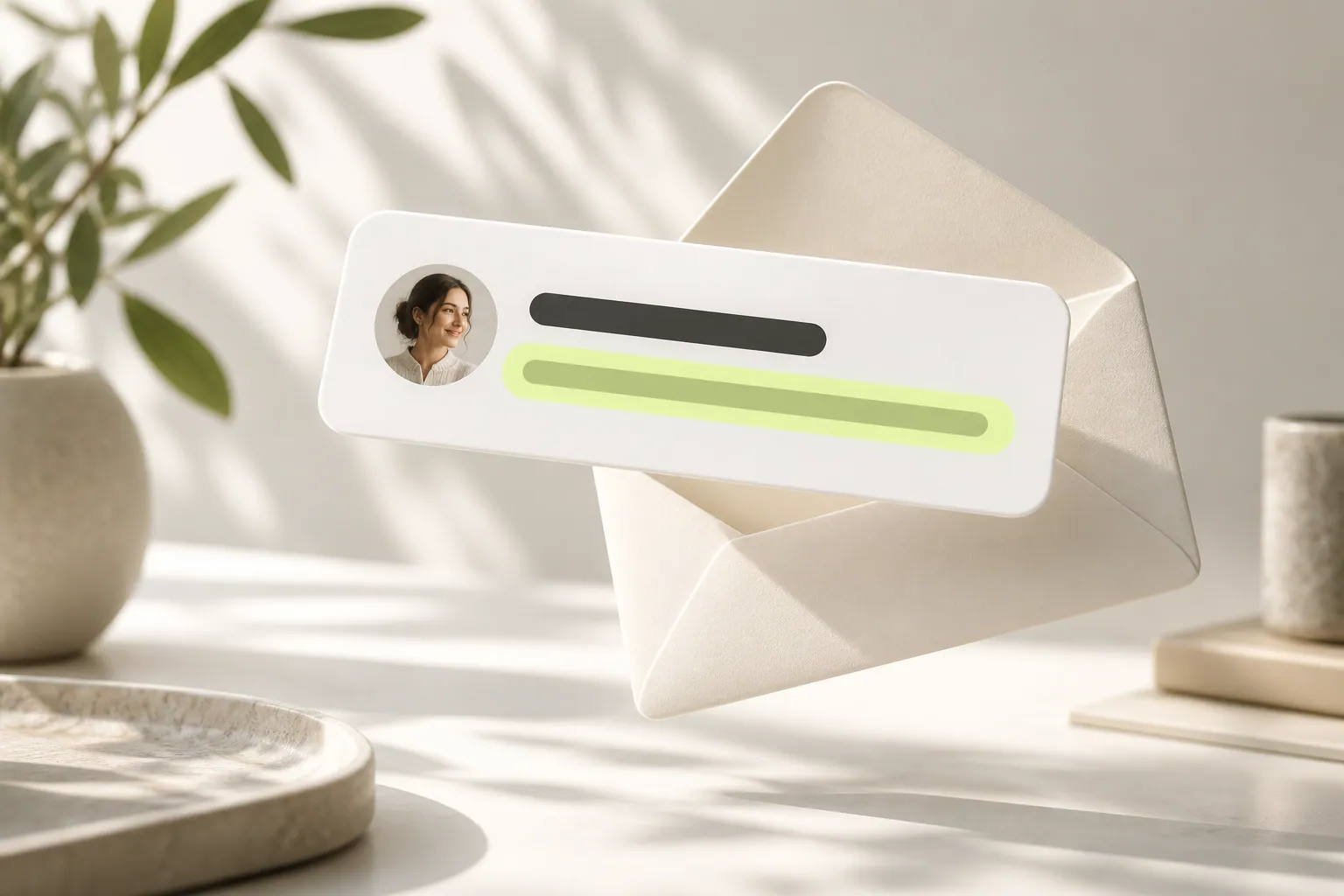
- Subject: What is new?
- Preview: Why care?
- Message: The details
Which question comes after the subject?
“Workshop registration is open” may leave someone wondering whether the session is suitable for them. “A two-day introduction for first-time pottery makers” adds useful context. The subject announces the news; the preview helps readers connect it with their own interests.
What if only part of it appears?
Email applications can show different amounts of preview text. Put the useful detail near the beginning rather than saving it for the end. Read the opening on its own: is the offer still understandable? The email itself should also work when this area is not visible at all.
Does a product announcement need the same wording as a quote reply?
Both add information, but the information differs. For a product, you might explain uses or options. For a quote reply, a short summary of scope and next questions can fit better. Readers should find the expected detail when they open the message.
How should you check the finished version?
Read the sender, subject and description together. Do they explain who is writing and why? If the layout does not offer a separate preview field, make the first visible sentence useful. Keep important conditions in the main message in every case.
Now let’s look at your own content.
- Answer the question after the subject.
- Include essential details in the email body.
- Read sender, subject and preview together.
COMMON QUESTIONS
A few more things you might be wondering.
Should preview information also appear in the email?
Important conditions or details should not exist only in the preview. The message body must stand on its own.
Is repeating the subject wrong?
Not in every case, but it can waste a small space that could explain something new.
Will everyone see the same preview?
The display can differ by application and screen. Do not rely on this area alone for critical information.