EMAIL DESIGN
How to prepare a new product announcement email
Explain who a product is for, what it offers and where to explore it with a focused announcement email.
You may have plenty to say about a new product. The first email does not need the entire catalogue. Start by helping readers recognize the item, consider whether it fits and reach the details if they are interested.
- Customer need
- Product and details
- Explore the product
Which need should you explain alongside the name?
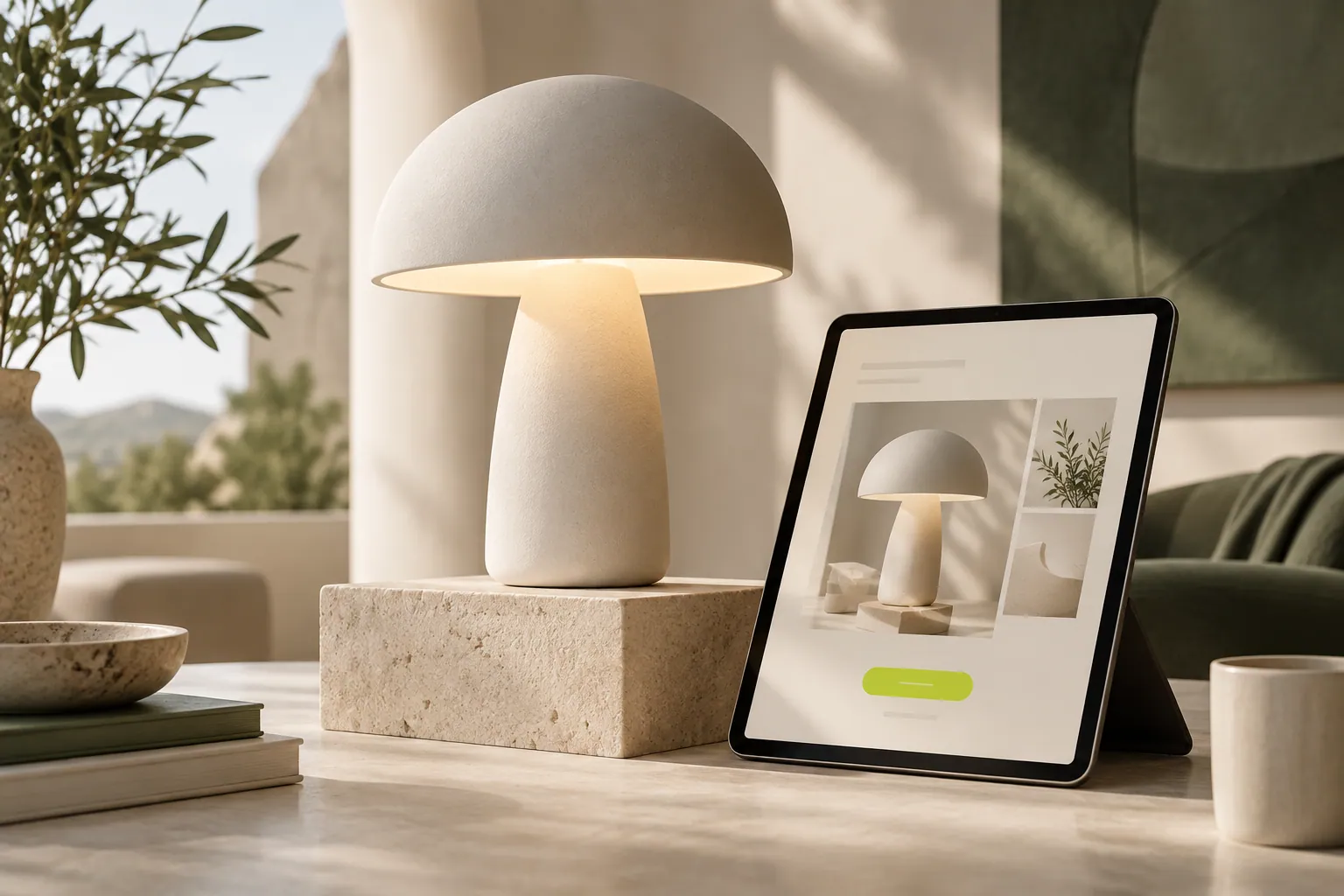
Customers want to place the product in their own lives. A desk lamp relates to a workspace; a bag relates to daily essentials. Make that connection in the opening. “Our new product has arrived” becomes more useful when you explain what someone might use it for.
How many images and features are enough?
One main image and a few selected details can provide a clear starting point. Highlight information that supports a decision, such as material, size or use. Link to the available options instead of crowding every color into one area. Let the wording explain what the picture cannot.
Where do price and conditions belong?
If price is central to the message, state it clearly and identify the option it covers. Compare any offer or delivery detail with the product page. Readers should not encounter conflicting information after clicking. Leave unsettled details for the next conversation rather than creating an expectation you cannot yet support.
Which page should the final button open?
For one product, link directly to it; for a collection, use the relevant collection page. Avoid making the reader search again from the homepage. Open the link on your phone and compare imagery, descriptions and options. The announcement then gives customers a useful path to their own decision.
Now let’s look at your own content.
- Explain the use in the opening paragraph.
- Match the image to the stated features.
- Verify the destination’s product information.
COMMON QUESTIONS
A few more things you might be wondering.
Does every new product need a separate email?
No. Products serving the same need can share a collection announcement. Avoid combining unrelated purposes in one message.
Must I include the price?
Include it when useful for the decision. Keep it current, consistent with the product page and clear about relevant conditions.
Can I announce a service instead?
Yes. Adapt the imagery and explanation around the service scope, intended audience and next step for learning more.